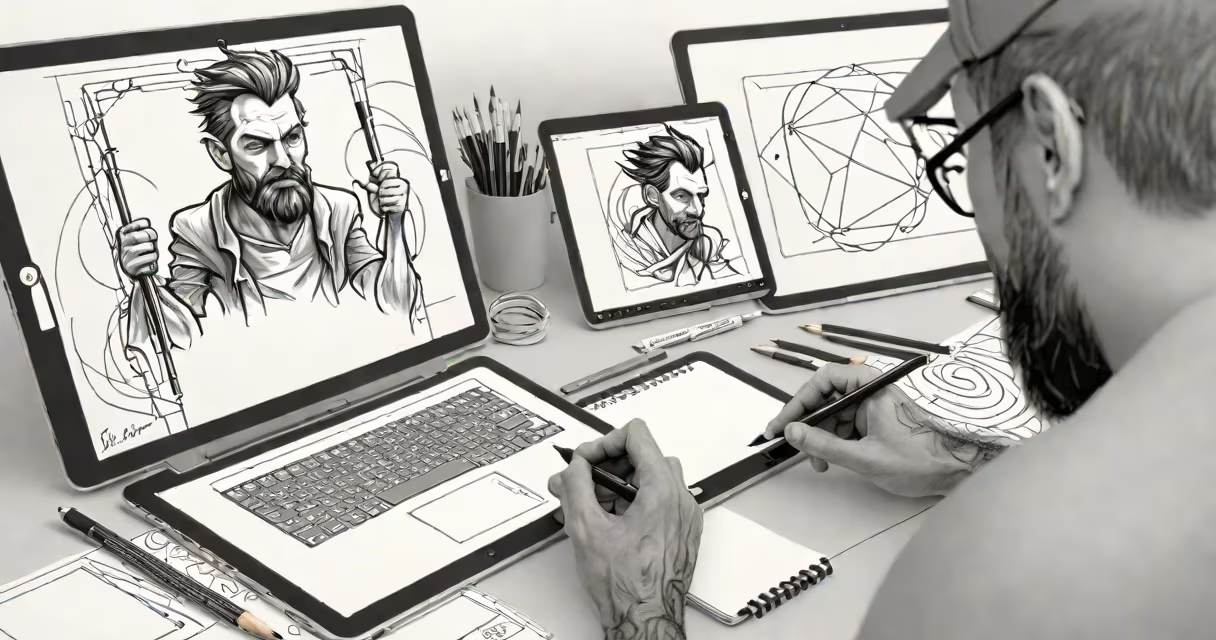
Computer art and design is the creation of visual content using digital tools, software, and computational processes. It spans illustration, animation, web graphics, branding, and interactive media, blending artistic expression with technical execution.
At its core, computer art and design relies on software platforms like Adobe Illustrator, Photoshop, and specialized 3D modeling tools. These programs allow artists to manipulate pixels, vectors, and geometry with precision. A single project may involve sketching in Procreate, refining shapes in Illustrator, adding textures in Substance Painter, and rendering scenes in Blender-all within a unified digital workflow.
Designers use raster images (pixel-based) for photographs and complex illustrations, while vector graphics (mathematically defined shapes) are ideal for logos, icons, and scalable artwork. The choice between formats depends on intended use: a logo displayed on a business card requires vector clarity, while a digital painting benefits from pixel detail.
The process begins with ideation-sketching rough concepts on paper or digitally. Artists then digitize these ideas using a graphics tablet or touchscreen device. Software interprets hand movements into precise lines and fills, enabling adjustments without physical rework.
Color theory, composition, and lighting are applied algorithmically. For example, a designer creating a poster for a music festival uses gradient layers and contrast filters in Photoshop to draw attention to the event date. The software applies color blending modes such as "Multiply" or "Overlay" to simulate depth and mood, mimicking traditional painting techniques but with instant undo and layer control.
Final outputs are exported in formats optimized for their purpose. Web graphics use PNG or SVG for transparency and scalability. Print materials require high-resolution PDFs with CMYK color profiles to ensure accurate ink reproduction. A mobile app interface designed in Figma is exported as multiple asset sizes to fit different screen densities.
Different software serves distinct roles in the creative pipeline. Here's a breakdown of major categories:
| Type | Examples | Primary Use | Real-World Example |
|---|---|---|---|
| Raster editors | Adobe Photoshop, Affinity Photo | Photo editing, digital painting, texture work | Restoring vintage film scans for a museum exhibit |
| Vector editors | Adobe Illustrator, Inkscape | Logos, icons, scalable graphics | Designing a city's public transit map with consistent line weights |
| 3D modeling & animation | Blender, Maya, Cinema 4D | Character animation, product visualization, game assets | Creating a 3D model of a smartphone for a marketing video |
| UI/UX design | Figma, Sketch, Adobe XD | App interfaces, website wireframes, interactive prototypes | Prototyping a banking app's login flow with clickable screens |
Each tool supports specific workflows. For instance, Illustrator's Pen Tool enables perfect curves for logo outlines, while Photoshop's healing brush removes blemishes from scanned portraits. These capabilities aren't just convenient-they're essential for professional-grade results.
Many assume computer art and design is purely automated or lacks authenticity. That's incorrect. While software handles rendering and scaling, the creative decisions-color palette selection, emotional tone, narrative framing-are entirely human-driven.
A common error is confusing raster and vector formats. A logo saved as a JPEG loses quality when enlarged, but the same logo in SVG format remains sharp at any size. This distinction affects branding consistency across merchandise, websites, and signage.
Another misconception is that digital art requires expensive hardware. While high-end tablets like Wacom Intuos or iPad Pro offer better pressure sensitivity and responsiveness, basic designs can be created with free tools like Krita or GIMP on standard laptops. The skill lies in the artist's eye and intent, not just the equipment.
Consider a startup launching a plant-based snack brand called GreenBite. The team hires a designer to develop a full identity package using computer art and design principles.
Step 1: Research and moodboarding. The designer gathers images of leaf patterns, earth tones, and minimalist packaging. They compile these into a digital mood board using Figma.
Step 2: Logo creation. Using Illustrator, they draft a circular logo featuring a stylized leaf with a subtle bite mark. The shape uses clean vector paths, ensuring it prints on bags and labels. The color scheme-sage green (#6A9C4D), warm beige (#F5E9D0), and charcoal gray (#333333)-is chosen for psychological appeal and brand cohesion.
Step 3: Packaging mockup. The logo is placed on a 3D-rendered box using Blender. Lighting simulates natural daylight, showing how the colors appear under real conditions. The designer adjusts shadows and reflections to improve realism.
Step 4: Website integration. The final logo and color palette are imported into a website builder. The site uses responsive design principles so the logo scales properly on desktops, tablets, and phones.
This entire process-from initial idea to final delivery-relies on computer art and design. No physical materials were used beyond the screen and stylus. Yet the outcome is tangible, market-ready, and visually compelling.
During my time teaching introductory design courses, I observed students struggle most not with software, but with intention. One student spent hours perfecting a gradient background but failed to consider readability. The lesson: tools don't replace thinking. A well-executed design still starts with a clear purpose.
Computer art and design is not just about making things look good-it's about communicating, consistently, and intentionally across screens, print, and space.