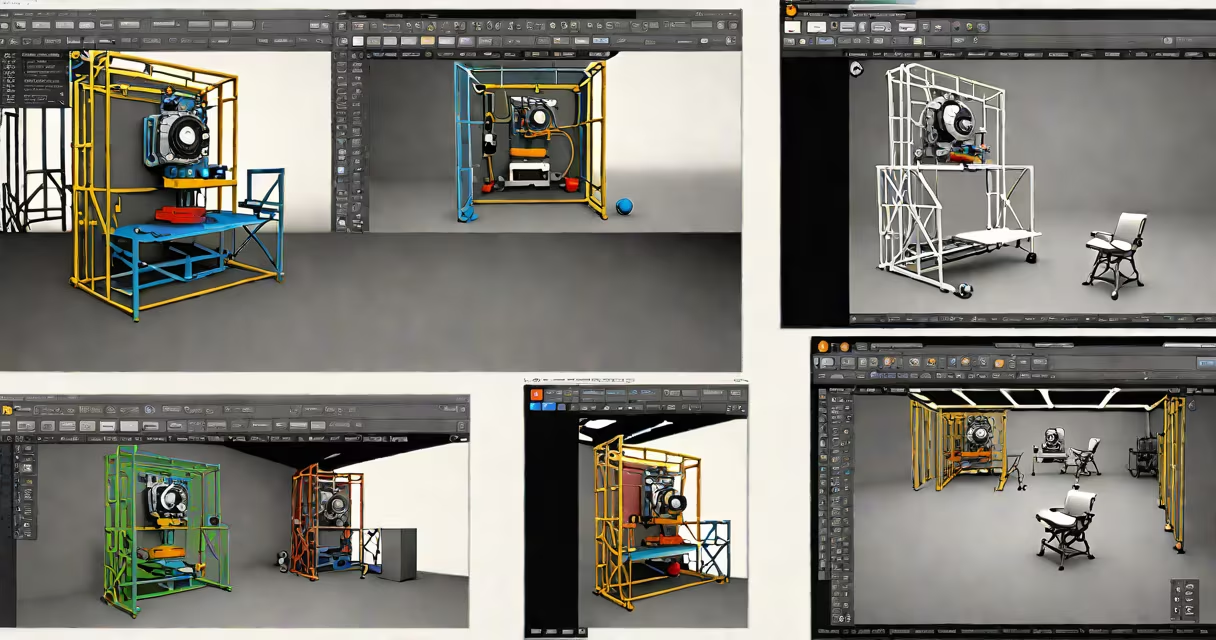
Digital animation programs are software applications that generate motion graphics and animated sequences using digital tools rather than traditional hand-drawn or stop-motion techniques. They allow artists to create frame-by-frame movement, manipulate characters and objects in 2D or 3D space, and apply effects, lighting, and sound for final output.
These programs form the core of modern visual storytelling across film, television, video games, web content, and advertising. They support workflows ranging from simple looped animations for social media to complex character rigs and physics simulations used in feature films.
Major studios like Pixar and DreamWorks rely on proprietary and commercial digital animation programs to produce high-fidelity animated features. Independent creators use accessible versions of the same tools to build content with professional-grade results.
At their core, digital animation programs render sequences of still images-frames-at a rate of 24 to 60 frames per second. This creates the illusion of motion when played back quickly. The software tracks changes between frames, interpolating positions, rotations, and scale values automatically.
Most programs use keyframes-specific points in time where an animator sets the position or state of an object. The program then calculates the intermediate frames (tweening) to smoothly transition between those states. For example, setting a ball's position at frame 1 and frame 24 generates the motion path across frames 2 through 23.
Advanced programs include rigging systems that assign virtual skeletons to characters, enabling realistic limb movement. Physics engines simulate gravity, wind, cloth behavior, and collisions. These systems reduce manual labor and increase realism in scenes involving complex interactions.
Animation software falls into two primary categories based on dimensionality: 2D and 3D. Each serves distinct creative goals and requires different skill sets.
| Type | Best For | Common Tools | Key Features |
|---|---|---|---|
| 2D Animation | Cartoons, web series, explainer videos, motion graphics | Toon Boom Harmony, Adobe Animate, Krita (with animation plugin) | Frame-by-frame drawing, onion skinning, vector-based layers, timeline editing |
| 3D Animation | Film, game cinematics, product visualization, architectural walkthroughs | Blender, Maya, Cinema 4D, Autodesk MotionBuilder | Modeling, texturing, rigging, camera control, particle systems, rendering pipelines |
Some hybrid tools support both 2D and 3D workflows. For example, Unity and Unreal Engine allow 2D sprites to be integrated into 3D environments, enabling mixed-media storytelling. These platforms are increasingly used in indie game development and interactive experiences.
A lesser-known distinction lies in whether a program uses raster or vector graphics. Raster-based tools like Photoshop or Procreate handle pixel-based images, ideal for detailed textures and hand-painted styles. Vector-based programs such as Illustrator or Synfig preserve clean lines at any zoom level, making them better for scalable assets and stylized animation.
Professional studios use digital animation programs to produce content with consistent quality and reusable assets. A single episode of a TV show may require hundreds of animated shots, each needing precise timing and coordination across departments.
For example, in the production of *Spider-Man: Into the Spider-Verse* (2018), animators combined 2D-style effects with 3D modeling. The team used custom tools within Maya and After Effects to simulate comic book visuals-halftone patterns, bold outlines, and changing perspective shifts. This blend required deep technical integration between multiple digital animation programs.
On smaller scales, educators use free tools like Blender or OpenToonz to teach animation fundamentals. Students learn principles like squash and stretch, anticipation, and follow-through by manipulating objects frame by frame. These concepts remain unchanged regardless of the software used.
Web developers integrate exported animations into websites using formats like GIF, WebP, or Lottie files. These lightweight animations improve user engagement without slowing page load times. A button hover effect created in After Effects can be exported as a JSON file and rendered in a browser using JavaScript libraries.
Many assume that digital animation programs are only for professionals. This is incorrect. Free and low-cost options exist for beginners. Blender, for instance, offers full 3D animation capabilities with no subscription fee. Its community provides tutorials, asset packs, and support forums.
Another misconception is that 3D animation is inherently more advanced than 2D. While 3D allows for greater depth and realism, 2D remains useful for expressive storytelling. The success of shows like *Avatar: The Last Airbender* and *Adventure Time* proves that emotional impact stems from narrative and design-not dimensionality.
A critical but often overlooked point: performance depends less on the software and more on hardware. Running a complex 3D scene in Maya requires a GPU with dedicated VRAM and a multi-core CPU. A machine with 8GB RAM and an integrated Intel UHD Graphics card will struggle with real-time playback of a scene containing 10,000 polygons per frame.
During a personal project, I animated a 30-second short using Blender on a laptop with a GTX 1650 GPU and 16GB RAM. The viewport lagged during sculpting mode, but baking the displacement map reduced real-time strain. This experience confirmed that optimizing workflow matters more than choosing the most expensive tool.
Beginners should start with beginner-friendly programs like Krita for 2D or Blender for 3D. Both offer free access, extensive documentation, and active communities. Krita supports pressure-sensitive drawing tablets, making it suitable for traditional illustrators transitioning to animation.
For those focused on character animation, Toon Boom Harmony remains industry standard in broadcast animation. Its layer system and bone rigging tools enable efficient production of long-form content. Studios like Cartoon Network and Disney Channel use it for maintaining consistency across episodes.
When selecting a program, evaluate its export options. Some tools only output video files; others support animation sequences as image sequences (e.g., PNG or EXR), which are essential for compositing in post-production. A project requiring chroma keying must export alpha channels, which not all programs support natively.
Finally, remember that learning curves vary widely. A tool like Pencil2D offers minimal interface complexity and is ideal for quick storyboarding. In contrast, Maya demands months of practice to master rigging and simulation workflows. Choose based on your timeline and project scope.
Digital animation programs are essential tools for anyone creating motion-based visual content. producing a corporate training module, the right software enables precision, creativity, and efficiency.