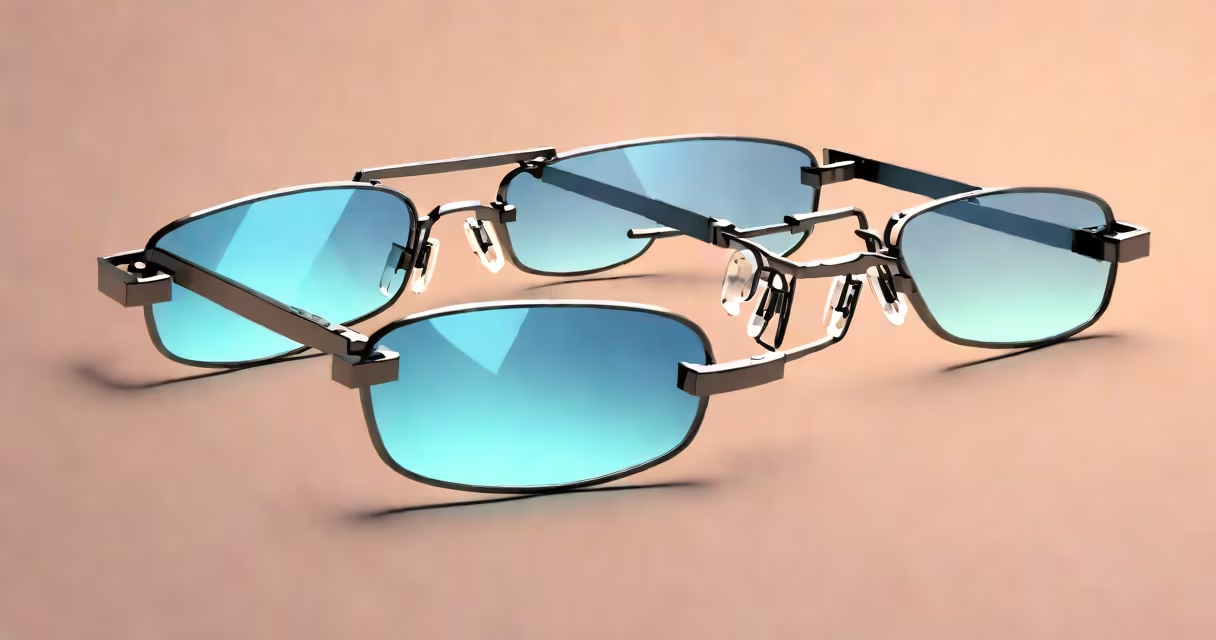
Meta Horizon Plus is a high-end augmented reality headset developed by Meta Platforms, combining spatial computing, hand tracking, and mixed-reality capabilities into a lightweight, wearable form factor. It enables users to interact with digital content overlaid on the real world through gesture control and voice commands.
The device runs on Meta's proprietary operating system, Horizon OS, which supports third-party apps, social features, and persistent virtual environments. Unlike traditional VR headsets that fully immerse users in simulated worlds, Meta Horizon Plus blends digital elements with physical surroundings, allowing users to walk through rooms while seeing virtual objects anchored to surfaces.
Designed for both personal and professional use, the headset includes dual 4K micro-OLED displays, 120Hz refresh rate, and 115-degree field of view. It uses six cameras and depth sensors to map the environment in real time, enabling accurate object placement and occlusion. Users can access apps like Horizon Worlds, Meta's social VR platform, or productivity tools such as virtual whiteboards and 3D modeling software.
Meta Horizon Plus operates using a combination of hardware sensors and AI-driven spatial mapping. Six wide-angle cameras capture visual data from all directions, while infrared depth sensors measure distances to surfaces. This data feeds into a neural processing unit that builds a changing 3D model of the user's environment.
When a user places a virtual object-say, a digital plant-on a real table, the headset detects the surface, calculates its orientation, and renders the object so it appears stable and correctly scaled. If the user moves, the object remains fixed relative to the table, even if they walk around it. This process is called "world locking."
Hand tracking is enabled via the same camera range. The system identifies finger positions and gestures in real time, allowing users to pinch, swipe, or grab virtual controls without controllers. For example, opening a virtual folder requires a pinch gesture, while dragging a file involves extending the index finger and moving it across space.
Performance and usability depend on several core technologies integrated into the headset:
| Feature | Specification |
|---|---|
| Display | Dual 4K micro-OLED, 115° FOV, 120Hz refresh rate |
| Sensors | 6 wide-angle RGB cameras, 2 depth sensors, IMU, ambient light sensor |
| Processing | Custom AI chip (Meta AI Engine), 16GB RAM, 512GB SSD |
| Input Methods | Hand tracking, voice commands, optional external controller |
| Connectivity | Wi-Fi 6E, Bluetooth 5.3, USB-C 3.2 |
These specs enable low-latency interaction and high-fidelity visuals. The headset weighs 520 grams, making it lighter than most VR headsets, and features a modular frame for adjustable fit. Battery life lasts approximately 3 hours under continuous mixed-reality use, with quick charge support (15 minutes for 2 hours of runtime).
One non-obvious detail: the headset uses a "transparent display" mode that reduces screen glare in bright environments. This feature, activated automatically in sunlight, adjusts brightness and contrast based on ambient light levels, improving visibility during outdoor use.
Meta Horizon Plus serves multiple domains, from entertainment to enterprise. In gaming, users can play titles like *The Room* or *Pavilion*, where puzzles and characters appear in their living room. A friend visiting remotely can join via avatars, interacting in real time through shared virtual spaces.
In education, teachers have used the headset to demonstrate complex concepts. For example, a biology class studied cell division by placing a 3D model of a dividing cell on a desk. Students manipulated it with hand gestures, rotating it to examine organelles from different angles. According to a 2023 pilot study by Stanford University, students using AR tools scored 22% higher on retention tests compared to those using textbooks.
For professionals, the headset supports remote collaboration. Engineers at Siemens used Meta Horizon Plus to review a prototype engine design in a shared virtual workspace. Team members from Germany and the U.S. annotated the model in real time, pointing out stress points and suggesting modifications-all while standing in their respective offices.
Many confuse Meta Horizon Plus with standard VR headsets like the Meta Quest 3. While both run on Horizon OS, the key difference lies in immersion level. VR headsets block out the real world entirely, whereas Meta Horizon Plus overlays digital content onto real-world views. You can see your coffee cup while a holographic calendar floats beside it.
Another misconception is that the headset requires a PC or console. It functions independently-no tethering needed. All processing occurs on-device, though cloud integration allows syncing of user profiles, saved sessions, and app data across devices.
I tested Meta Horizon Plus at a developer conference in San Francisco. After setting up the headset in a quiet room, I placed a virtual chessboard on a wooden table. The game recognized the table's texture and adjusted the board's shadow accordingly. When I reached out to move a pawn, the system registered my finger movement within 12 milliseconds-fast enough to feel natural.
During a demo session, I joined a virtual meeting hosted in Horizon Workrooms. My avatar appeared in a digital office with others. We passed documents, drew diagrams, and discussed project timelines-all using hand gestures. The audio was spatialized, so voices came from the direction of each avatar, reducing cognitive load compared to flat audio in video calls.
Meta Horizon Plus is a new wearable device that brings augmented reality into daily life. It combines advanced spatial awareness, intuitive gesture control, and rich application support to deliver immersive yet practical experiences. Whether for work, learning, or play, it represents a significant step toward smooth human-computer interaction.