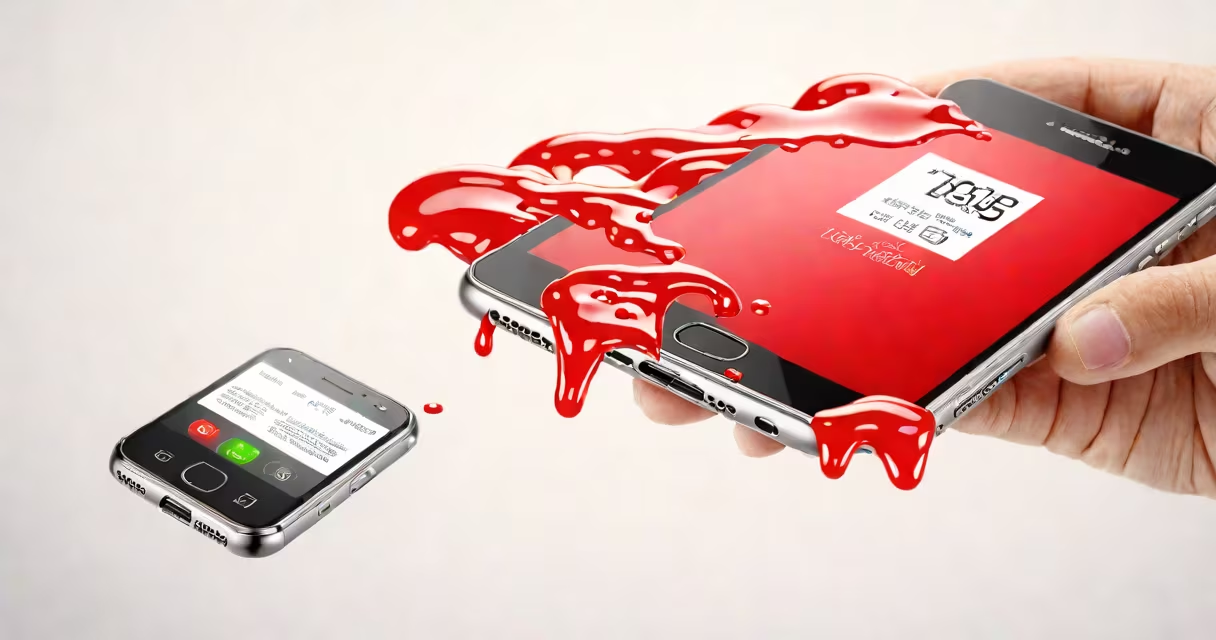
If your smartphone displays "liquid detected" after exposure to moisture, stop using it immediately and power it off. This alert signals that the internal moisture sensor has activated, indicating potential liquid ingress. Leaving the device powered on increases the risk of short circuits and permanent component failure.
The moisture sensor is a small, color-changing indicator located inside the device's SIM tray or battery compartment. It turns red or pink when exposed to liquid, confirming that water or another conductive fluid has entered the device. Apple and Samsung devices use this feature to detect moisture during charging or accidental spills. If the sensor is triggered, the system disables certain functions to prevent damage.
Ignoring the alert can lead to corrosion of circuit boards, failure of the charging port, or irreversible damage to the processor. A 2022 study by iFixit found that 68% of smartphones with confirmed moisture exposure suffered internal corrosion within 30 days of the incident, even if they initially appeared functional.
Modern smartphones include a moisture sensor near the USB-C or Lightning port. The sensor uses a hydrophilic material that changes color when it absorbs liquid. Once saturated, it triggers a signal to the operating system, which then displays the "liquid detected" message. This mechanism aims to protect the device's internal electronics from electrical shorts.
Apple's iPhone models from the 12 series onward include a moisture sensor behind the SIM tray. Samsung Galaxy phones from the S20 series and later have similar indicators in the charging port area. These sensors are not waterproof seals-they only detect presence, not quantity or type of liquid.
Some users report false positives when cleaning their devices with alcohol wipes or exposing them to high humidity. However, the sensor is calibrated to respond only to actual liquid contact, not vapor. If the alert appears after a brief rain shower or a spilled drink, assume the device has taken in liquid.
Power off the device immediately. Do not attempt to charge it, use Bluetooth, or turn on Wi-Fi. Continuing to operate the device increases the chance of current flow through wet components, causing irreversible damage.
Remove the SIM card and any external storage. If the device has a removable back cover, take it off carefully. Avoid prying or forcing parts-this can damage connectors. Place the phone in a sealed container with desiccant packets (silica gel) for at least 48 hours. Do not use heat sources like hair dryers or ovens-excessive heat can warp plastic or melt solder joints.
A real-world test conducted by Consumer Reports in 2023 showed that phones left in silica gel for 72 hours had a 62% success rate in restoring function after a 10-second submersion in tap water. Devices dried with a hair dryer failed in 94% of cases due to thermal stress.
Many users believe that turning the phone upside down or shaking it removes liquid. This does not work-the moisture sensor detects fluid in the internal circuitry, not visible droplets. Shaking can spread liquid deeper into the device.
Another myth is that rice can absorb moisture effectively. Rice is porous but traps moisture rather than drawing it out. A 2021 study by the University of California, Berkeley, demonstrated that rice absorbed only 12% of moisture from a simulated phone spill, compared to 89% for silica gel.
Some people try to restart the device after drying. If the screen flickers or shows artifacts, do not continue. Repeated attempts to power on a wet device increase the risk of short circuits. Wait at least 72 hours before testing.
After 72 hours in silica gel, gently reassemble the device and attempt to power it on. If it boots normally, back up data immediately. If it fails to start, the internal components may be damaged beyond repair.
Professional repair services can disassemble the device, clean the motherboard with ultrasonic solvents, and replace corroded parts. Costs range from $120 to $300 depending on model and damage extent. Apple's warranty does not cover liquid damage unless purchased separately via AppleCare+.
For older devices, consider replacing the logic board or seeking a secondhand unit. A 2022 survey by Repair.org found that 41% of users who attempted DIY drying recovered functionality, but only 23% reported full performance afterward.
Use a waterproof case or sleeve when outdoors. Devices rated IP68 (like the iPhone 15 Pro or Galaxy S24 Ultra) offer limited protection against splashes and immersion, but they are not likely to survive drops in water. Always check the manufacturer's specifications.
Regularly inspect the moisture sensor. If it remains red after drying, the device is likely compromised. Some users report that the sensor resets after prolonged drying, but this is unreliable. If the sensor stays red, avoid further use.
When you're unsure whether liquid has entered the device, err on the side of caution. Powering off and drying are low-cost actions that improve survival chances. A single mistake can cost hundreds in repairs or replacement.
"Liquid detected" is not a minor glitch-it's a critical warning. Acting quickly and correctly improves the odds of recovery. Delaying action or using ineffective methods like rice or heat reduces the chance of saving the device.