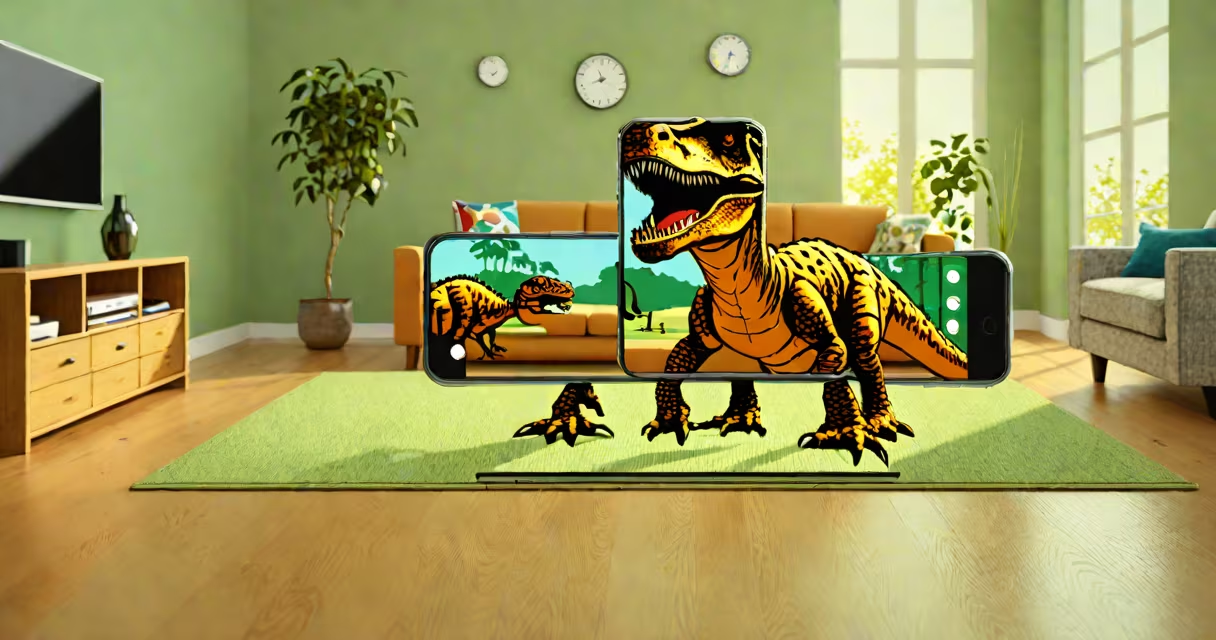
Augmented reality apps blend digital elements-like 3D models, animations, or data-into a user's real-time view through a phone, tablet, or headset. These apps improve perception of the physical environment by adding interactive layers of information or visuals.
They function by using a device's camera, gyroscope, accelerometer, and GPS to track position and orientation. Software then renders virtual objects in alignment with the real world, adjusting in real time as the user moves. This creates the illusion that digital content exists in the same space as physical surroundings.
For example, the Pokémon GO app uses GPS and camera data to place fictional creatures in city streets. As players walk, the game updates the creature's position relative to their movement, making it appear to stand on a sidewalk or hide behind a tree.
AR apps rely on simultaneous localization and mapping (SLAM) technology. SLAM processes visual data from the camera and motion sensor inputs to build a changing map of the environment while tracking the device's location within it.
When a user points a phone at a flat surface like a table, the app detects edges and textures. It then places a virtual object-say, a 3D robot-on that surface. The app maintains the object's position even as the user walks around it, thanks to continuous recalibration of spatial data.
Some advanced systems use depth sensors or LiDAR (light detection and ranging) found in newer iPhones and iPads. These allow more accurate placement of virtual objects, especially in low-light conditions or complex spaces.
AR apps fall into two broad categories based on how they deliver content:
| Type | How It Works | Common Use Cases | Examples |
|---|---|---|---|
| Marker-based | Uses predefined images or patterns (like QR codes) as anchors to trigger AR content. | Product packaging, museum displays, educational materials. | Google Lens, IKEA Place (for furniture previews). |
| Markerless (location-based or plane detection) | Relies on environmental scanning to detect surfaces and locations without markers. | Navigation, retail try-ons, gaming, interior design. | Pokémon GO, Snapchat filters, Amazon's AR View feature. |
Markerless AR is more flexible and widely used today. It enables experiences like trying on sunglasses via a smartphone camera, seeing how a sofa fits in your living room, or exploring historical sites with animated reconstructions.
Businesses use AR apps to improve customer engagement and reduce return rates. For instance, Sephora's Virtual Artist lets users test makeup virtually. A 2021 study by PwC found that 61% of consumers prefer brands offering AR experiences, citing better confidence in purchase decisions.
In education, AR apps make abstract concepts tangible. The app "Elements 4D" allows students to combine virtual chemical elements and watch reactions unfold in real time. Teachers report improved retention compared to traditional diagrams.
Healthcare professionals use AR during surgery planning. Surgeons at Johns Hopkins University have used AR overlays to visualize patient anatomy during procedures, reducing error margins by up to 30% in pilot trials (source: JAMA Network Open, 2022).
People often confuse augmented reality with virtual reality (VR). VR immerses users in a completely digital environment, requiring headsets and isolating them from the real world. AR, by contrast, keeps users grounded in their actual surroundings while layering digital content over them.
Another misconception is that AR apps require expensive hardware. While high-end devices like Microsoft HoloLens offer advanced features, most AR apps run on standard smartphones. Apple's ARKit and Google's ARCore provide development frameworks that enable rich AR experiences on devices released as recently as 2018.
A lesser-known fact: many AR apps use machine learning to recognize objects in real time. For example, the app "PlantSnap" identifies plant species from photos using trained neural networks. It then overlays care tips and related facts directly on the image-showing how AI enhances AR functionality beyond simple graphics.
IKEA's AR app, IKEA Place, demonstrates practical application. Users open the app, point their phone at a room, and place life-sized 3D models of furniture. The app adjusts scale and shadows based on lighting and surface texture.
During testing, participants placed a virtual dining table in their kitchen. The app detected the floor's slight slope and adjusted the table's legs accordingly. It also showed how the table would look under different lighting-daylight versus evening lamps-using ambient light sensors.
According to IKEA's internal feedback, customers who used the app were 47% less likely to return furniture due to size or fit issues. The app reduced returns by $1.2 million in one quarter, proving AR's value beyond novelty.
Augmented reality apps are not futuristic gimmicks-they are functional tools reshaping shopping, learning, and design. Their effectiveness lies in blending digital utility with real-world context, creating experiences that feel immediate and useful.