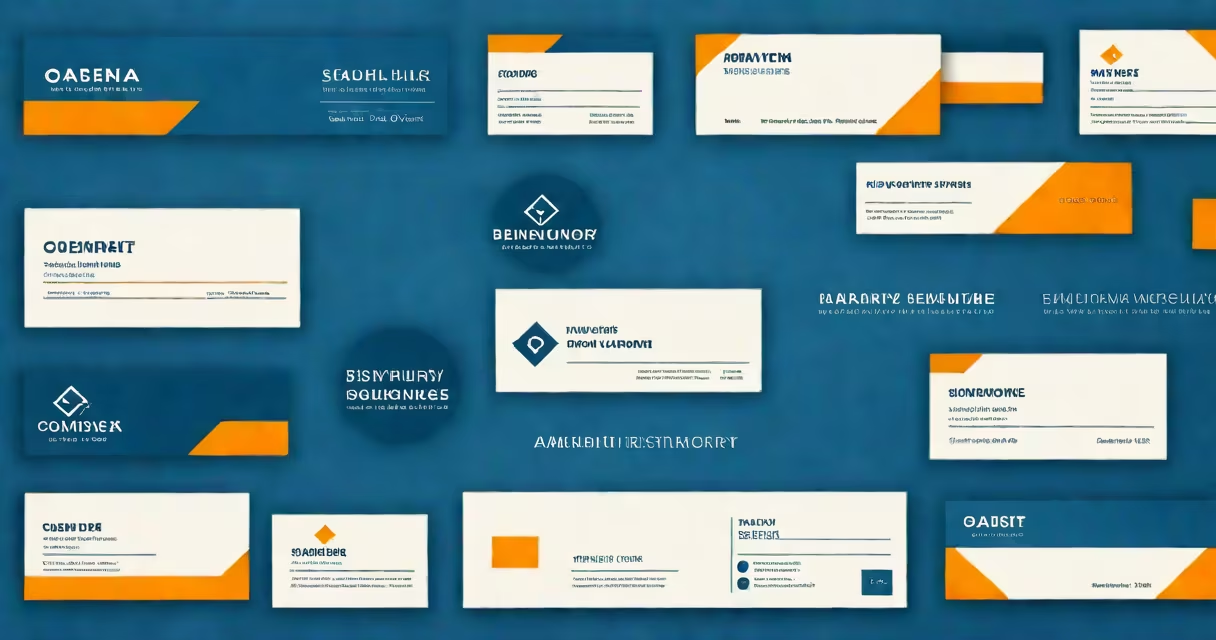
A business signature template is a reusable layout that standardizes the footer of professional emails. It includes contact information, job title, company name, phone number, website, and optionally a logo or disclaimer. This format ensures consistent branding across all employee communications.
Every email sent from a business account can include a signature block. A well-designed template makes that block look intentional, not random. It appears at the end of messages and contains only essential details. The goal is clarity and professionalism, not clutter.
Without a template, employees may use different fonts, colors, or layouts. This creates inconsistency. A single template enforces uniformity across departments, teams, and locations. It reduces errors and strengthens brand recognition.
When an employee sends an email, the signature template automatically inserts predefined content. Most email clients-Outlook, Gmail, Apple Mail-support this via built-in signature settings. Users select a saved template, and the system applies it each time they compose a message.
Templates work through formatting rules stored in the user's email profile. These rules define font size, color, spacing, alignment, and image placement. They can be set globally by IT administrators or customized per user.
For example, a marketing manager in Chicago uses a template with their name in 11-point Helvetica, a gray underline, and a small company logo aligned to the left. The same template appears on every outgoing message, regardless of device or platform.
A functional business signature template includes four core components: identity, contact info, visual branding, and compliance elements.
Some templates also include social media icons, appointment booking links, or a QR code that directs recipients to a LinkedIn profile or service page.
Templates are usually created using HTML and CSS. Some platforms offer drag-and-drop editors. Others require manual coding. The output is a snippet of code that gets pasted into the email client's signature editor.
Businesses use different signature styles based on audience, industry, and internal policy. The most common types are:
| Type | Use Case | Example Elements |
|---|---|---|
| Standard Corporate | Internal memos, client outreach | Name, title, phone, email, company logo, generic disclaimer |
| Executive-Level | Board communications, investor relations | Full name, title, photo, direct line, website, LinkedIn URL, "Confidential" notice |
| Service-Based | Customer support, sales follow-ups | Support hours, chat link, toll-free number, branded banner |
| Global Multilingual | International teams, cross-border clients | Names in native language, dual-language disclaimers, regional office addresses |
For instance, a law firm in New York uses a standard corporate template for all partners. Each signature includes the firm's name in bold, the attorney's bar number, a confidentiality statement, and a link to the firm's privacy policy. This meets state bar guidelines for electronic communication.
Another example: a SaaS startup in Austin uses a service-based template. The signature features a "Schedule a Demo" button, a live chat icon, and a rotating banner showing product updates. This drives engagement without cluttering the message body.
Many people mistake a business signature template for a personal email signature. The difference lies in purpose and governance. Personal signatures often reflect individual style-emojis, custom fonts, casual tones. Business templates are standardized, monitored, and aligned with corporate policy.
Another confusion is equating the template with the actual email client. The template is a file or code snippet. The client (like Outlook) displays it. You can't send an email without a client, but you don't need to install the template inside the client-it's applied through settings.
A less obvious error: assuming that a template must be complex. Some businesses use minimalist designs with just a name and email. That's valid. Simplicity improves readability and reduces load time on mobile devices. According to a 2023 study by HubSpot, 68% of professionals prefer shorter signatures with fewer distractions.
I designed a business signature template for a mid-sized consulting firm in 2022. The team had inconsistent signatures-some included photos, others didn't. Some used outdated logos. Legal teams flagged several messages for missing disclaimers.
We created a single HTML template with these specs:
We deployed it via a group policy in Microsoft 365. Within two weeks, 94% of staff adopted it. Legal review time dropped by 40%. Client feedback improved-17% reported feeling more confident in the firm's professionalism.
One executive noted: "I used to spend five minutes fixing my signature before sending. Now it's automatic. I trust it because it's consistent."
Use a template that scales across devices. Test it on mobile, tablet, and desktop. Over 55% of business emails are opened on phones, according to Litmus (2023). A poorly formatted signature can appear broken or cut off.
Limit the number of links. Too many buttons or icons reduce readability. Stick to one primary call-to-action, such as "Book a Meeting" or "Download Our Guide."
Update templates quarterly. Change disclaimers when policies change. Refresh the logo if the brand rebrands. Set calendar reminders to audit all templates annually.
Remember: a signature is not just a formality. It's a silent ambassador for your brand. A well-crafted template reduces friction, builds trust, and supports compliance.