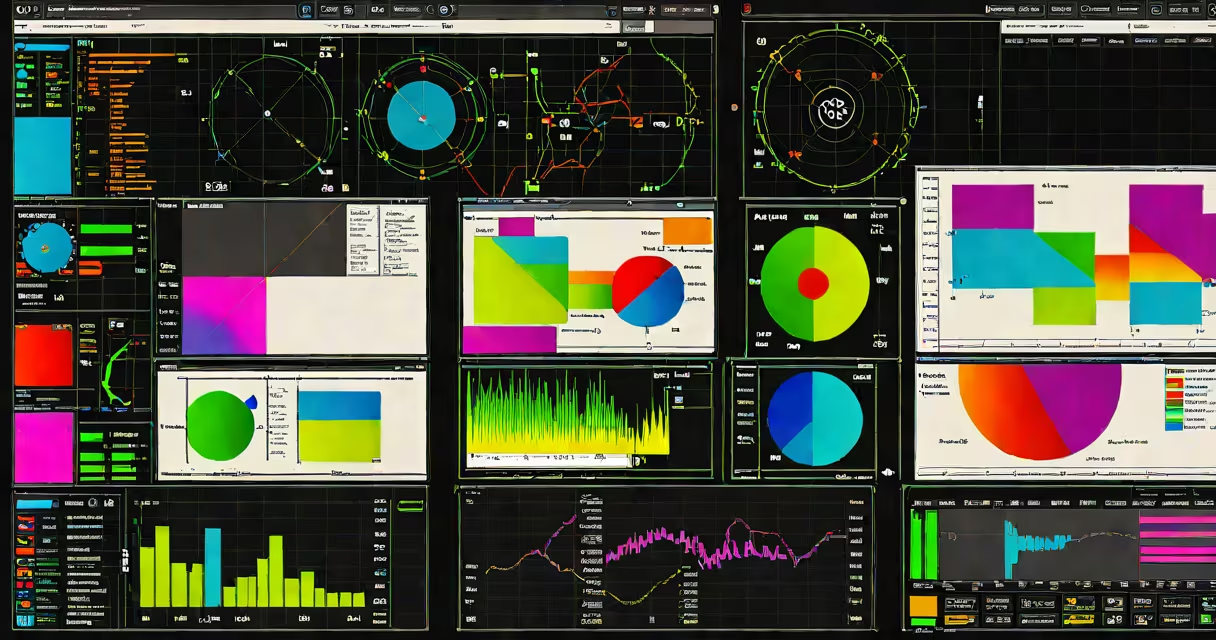
Free GPU benchmark software evaluates graphics card performance through standardized tests that measure frame rates, rendering efficiency, and stability under load. These tools run synthetic workloads designed to stress different aspects of GPU architecture, producing numerical scores for direct comparison across hardware.
These applications simulate real-world scenarios such as gaming, 3D modeling, and video encoding. They report metrics like average and minimum frame rates, temperature spikes, and power draw during sustained operation. Scores are typically normalized against a reference system to allow cross-model comparisons.
Popular free options include 3DMark Time Spy (for DirectX 12 workloads), Unigine Heaven and Superposition (for OpenGL and Vulkan stress testing), and FurMark (for thermal and stability limits). All operate without licensing fees and deliver consistent results across multiple runs.
Each tool generates a controlled environment that isolates GPU behavior from variables like CPU speed or memory bandwidth. Tests render complex scenes with high polygon counts, changing lighting, and advanced shaders to push the GPU to its limits.
For example, 3DMark Time Spy uses a custom game engine to simulate a futuristic cityscape with particle effects, reflections, and physics-based interactions. The software records frames per second (FPS) over a 60-second period and calculates an score based on average and minimum performance.
Results are stored locally and often uploaded to public leaderboards. Users can compare their scores against others using the same GPU model, helping identify whether a system is underperforming due to cooling issues, driver problems, or overclocking instability.
The following table outlines major free GPU benchmark tools, their primary focus, and supported APIs:
| Tool | Focus Area | Supported API | Score Type |
|---|---|---|---|
| 3DMark Time Spy | Gaming performance (DirectX 12) | DirectX 12 | Score (normalized) |
| Unigine Heaven | OpenGL stress testing | OpenGL | Frame rate (FPS), stability index |
| FurMark | Thermal and stability stress | OpenGL | Max temperature, crash detection |
| Superposition | Ray tracing and compute workload | Vulkan | Performance score, power usage |
Time Spy is widely used because it reflects modern game demands, especially those relying on DirectX 12's asynchronous compute features. Heaven targets older GPUs and drivers, making it useful for identifying compatibility gaps. FurMark pushes GPUs to maximum load for 10 minutes to detect thermal throttling or power delivery issues.
A lesser-known fact: FurMark's "Burn-in" mode uses a single shader loop that saturates the GPU core and memory bandwidth simultaneously. This can reveal subtle defects in VRAM or voltage regulation that standard games may not trigger.
Users deploy free GPU benchmark software to validate hardware upgrades, verify overclocking stability, or diagnose performance drops after driver updates. System builders use them to confirm that a newly installed GPU meets advertised specs.
For example, a user installing an RTX 4070 Ti reported inconsistent frame rates in Assassin's Creed Valhalla. Running 3DMark Time Spy revealed a 22% drop in minimum FPS compared to expected benchmarks. Reinstalling the latest NVIDIA driver restored performance, confirming a driver-related regression.
Enthusiasts also use these tools to compare low-cost GPUs like the Radeon RX 6500 XT against higher-end models. A 2023 study by TechPowerUp found that the RX 6500 XT scored 4,200 points in Time Spy-about 40% below the RTX 3060-but delivered better frame pacing in real games due to optimized driver support.
When upgrading systems, users rely on benchmark scores to avoid overpaying for marginal gains. A 10% improvement in Time Spy score rarely translates to more than 5% better gameplay performance, according to AnandTech's 2022 analysis of 27 popular titles.
Many assume that higher benchmark scores always mean better gaming performance. That's not true. A GPU scoring 10% higher in Time Spy may still stutter in games with poor optimization or high CPU bottlenecks.
Another misconception: benchmark scores are absolute. In reality, they're relative. A score of 8,000 in Time Spy doesn't mean "8,000 FPS." It's a composite score derived from averaging performance across multiple test sequences. The actual FPS varies between 30 and 120 depending on resolution and settings.
Some users run benchmarks repeatedly to "test stability," but this introduces noise. A single run is sufficient if the system is idle and temperatures are stable. Repeated runs on the same hardware yield nearly identical results unless cooling changes or background processes interfere.
I once ran FurMark on a desktop with a poorly seated heatsink. After 3 minutes, the GPU dropped from 90°C to 75°C due to thermal throttling. The initial score was 4,100; the second run dropped to 3,200. This demonstrated how cooling affects benchmark outcomes-not just raw performance.
Always close background apps before running a test. Even a single browser tab with video playback can reduce GPU utilization by 15%. Use the "full-screen exclusive" mode in each tool to prevent window manager interference.
Don't trust scores from unverified third-party websites. Some sites publish inflated results by disabling anti-aliasing or lowering texture quality. Always verify settings in the tool's configuration menu.
For accurate comparisons, ensure both systems use the same resolution (e.g., 1920×1080), refresh rate, and display settings. Differences in monitor calibration or color profile can skew perceived performance.
Free GPU benchmark software is not a substitute for real-game testing. A GPU scoring well in Heaven may struggle in a game with heavy AI processing or procedural generation. Use benchmarks to narrow choices, then validate with actual gameplay.
Understanding free GPU benchmark software enables informed decisions about hardware, upgrades, and system tuning. Use it consistently, verify settings, and compare only against like configurations to get meaningful results.