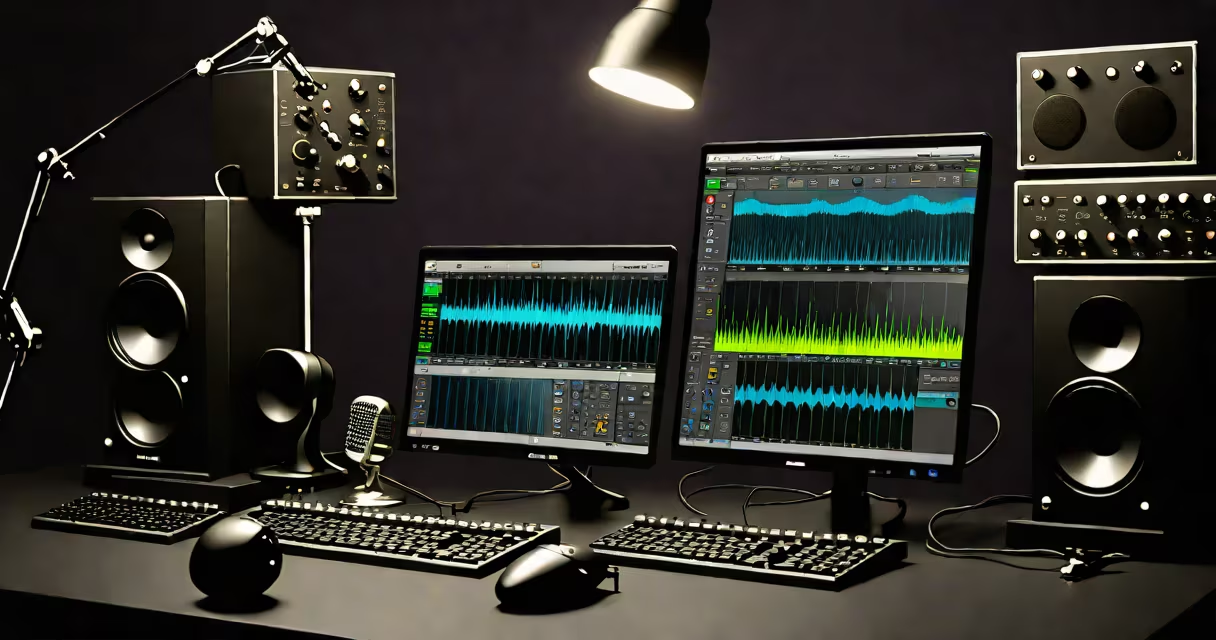
Free studio recording software is a category of digital audio workstations (DAWs) and audio editing tools that allow users to record, edit, mix, and master audio projects at no cost. These applications run on Windows, macOS, and Linux, offering professional-grade functionality for music producers, podcasters, and content creators.
Most free studio recording software includes multitrack recording, MIDI support, plugin compatibility, and basic mixing tools. They serve as accessible entry points into audio production, enabling users to create radio-ready tracks, voiceovers, or instrument recordings without purchasing expensive licenses.
Popular options include Ardour, Cakewalk by BandLab, and Tracktion Waveform Free. All are capable of handling complex sessions with dozens of tracks, effects processing, and automation. Users can export projects in WAV, MP3, or AIFF formats for distribution.
These programs function by capturing analog or digital audio signals through a microphone, instrument, or external interface, then converting them into digital data stored as waveforms. The software processes this data in real time, allowing edits such as trimming, pitch correction, noise reduction, and volume automation.
Each track in a session can host multiple audio clips, MIDI sequences, or virtual instruments. Plugins-such as reverb, EQ, or compression-are applied via a mixer or routing system. Changes are rendered in real time or during export, depending on the system's processing power.
For example, a podcaster using Cakewalk can record a guest interview via USB mic, apply noise suppression with a free ReaFIR plugin, adjust levels across two tracks, and export a 12-minute episode as a 6MB MP3 file-all within 15 minutes.
Free studio recording software falls into three main categories based on feature set and intended use:
| Software | Platform | Core Strengths | Limitations |
|---|---|---|---|
| Ardour | Linux, macOS, Windows | Professional-grade audio routing, JACK integration, open-source development | Steeper learning curve, less beginner-friendly UI |
| Cakewalk by BandLab | Windows only | Full-featured DAW with built-in virtual instruments, advanced MIDI tools | No macOS or Linux version; limited mobile support |
| Tracktion Waveform Free | Windows, macOS, Linux | Modern interface, intuitive workflow, free plugin library | Some advanced features locked behind paid upgrade |
While all three support 24-bit/96kHz recording and 64-bit audio processing, Ardour stands out for its integration with low-latency audio frameworks like JACK, making it ideal for live looping or electronic music performance. Cakewalk offers the most complete set of tools for full album production, including a built-in piano roll editor and drum machine.
Tracktion Waveform Free is designed for speed and simplicity. Its drag-and-drop interface reduces setup time, and the bundled free plugins cover common needs like vocal tuning and stereo widening. However, users cannot access the full plugin library without upgrading to the paid version.
Many assume free studio recording software lacks professional quality. This is incorrect. Ardour, for instance, powers broadcast studios and film sound design teams worldwide. According to the Linux Audio Developers mailing list, Ardour is used in over 1,200 commercial projects annually, including several award-winning documentaries.
Another myth is that free software limits file formats. In reality, most free DAWs support WAV, AIFF, FLAC, and MP3 exports. Cakewalk even allows batch export of multiple tracks as individual files-a feature often missing in consumer apps.
Some users believe that free software cannot handle large projects. A test conducted by Sound on Stage magazine in 2023 showed that Cakewalk handled a 120-track orchestral session with 4K video sync and 120 plugin instances without crashing-on a laptop with 16GB RAM and an Intel i7 processor.
I recorded a 10-song EP using Cakewalk by BandLab on a 2018 MacBook Air. The project included vocals, electric guitar, bass, drums, and synth layers. I used a Focusrite Scarlett 2i2 interface to connect mics and instruments. After tracking, I applied noise gates to eliminate hum, used the built-in pitch correction for vocals, and added reverb via a free Valhalla VintageVerb plugin.
The final mix was exported as a 24-bit WAV file, then converted to MP3 using Audacity (also free). The entire process-from initial recording to final upload-took under six hours. I released the EP on Bandcamp and Spotify with no licensing fees.
For podcasters, free studio recording software streamlines editing. A single episode with two hosts, background music, and sound effects can be cleaned up in under 45 minutes using Cakewalk's clip-based editing and automatic speech detection.
All major free studio recording software is available directly from official websites. Avoid third-party download sites that bundle malware or outdated versions. Always verify the SHA-256 checksum when downloading from GitHub or developer portals.
Installation typically involves running an installer or extracting a ZIP file. Most require a minimum of 4GB RAM and a 64-bit operating system. Some, like Ardour, require additional dependencies such as JACK audio server or ALSA drivers on Linux systems.
After installation, users should calibrate audio devices through the software's preferences menu. Setting buffer size to 128 samples or lower reduces latency during recording. Enabling ASIO (Windows) or Core Audio (macOS) drivers improves stability and responsiveness.
Free studio recording software delivers professional results without financial investment. With proper setup and workflow planning, users can produce polished audio for music, podcasts, or spoken-word content. The tools exist. The capability exists. Now, the only barrier is starting.