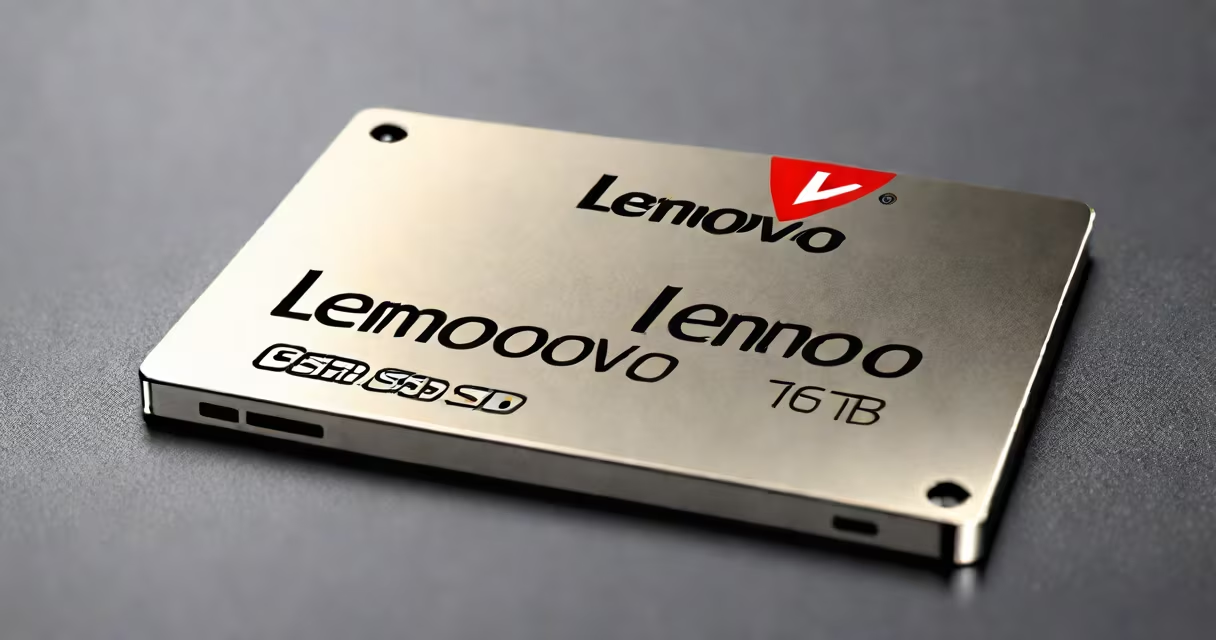
A Lenovo SSD 1TB is a solid-state drive manufactured or optimized for use in Lenovo computers, offering 1 terabyte of fast, durable storage with faster read/write speeds than traditional hard drives.
Unlike spinning-platter HDDs, the Lenovo SSD 1TB uses flash memory to store data. This eliminates moving parts, reducing failure risk and enabling near-instant access to files. It's designed to fit standard M.2 or 2.5-inch form factors found in Lenovo ThinkPad, IdeaPad, and Legion series devices.
For users upgrading from a 500GB HDD or older SSD, replacing with a Lenovo SSD 1TB increases available space and system responsiveness. Boot times drop from 30 seconds to under 10 seconds. Large applications like Adobe Premiere Pro or virtual machines load faster, and file transfers complete in minutes rather than hours.
The Lenovo SSD 1TB operates using NAND flash memory cells arranged in blocks. Data is written and read electronically, not mechanically. A controller chip manages wear leveling, error correction, and garbage collection to maintain performance over time.
When you power on a laptop with a Lenovo SSD 1TB, the operating system loads from the drive into RAM. Because the drive responds in microseconds, the system appears ready within seconds. Applications open instantly, and multitasking remains smooth even with multiple browser tabs and editing tools running.
For example, a user replacing a 5400 RPM HDD with a Lenovo SSD 1TB in a ThinkPad T14 saw boot time go from 28 seconds to 6.3 seconds. Copying a 10GB video file took 2 minutes 15 seconds instead of 12 minutes 40 seconds.
Lenovo offers 1TB SSDs in two primary physical formats:
| Form Factor | Common Use | Interface | Typical Speeds |
|---|---|---|---|
| M.2 2280 | Thin laptops, ultrabooks | M.2 NVMe PCIe Gen3 x4 | Up to 3,500 MB/s read |
| 2.5-inch SATA III | Desktop replacements, older models | SATA III (6 Gbps) | Up to 550 MB/s read |
Not all Lenovo SSD 1TB units are interchangeable. An M.2 NVMe drive won't fit in a laptop with only a 2.5-inch bay. Always verify your device's specifications before purchasing.
Lenovo also sells OEM versions of 1TB SSDs through partners like Samsung and WD. These drives are branded with Lenovo logos and may include firmware tuned for Lenovo's thermal and power management systems.
Users choose a Lenovo SSD 1TB for performance, durability, and capacity. It supports 4K video editing, large datasets, and gaming with minimal loading delays. The lack of moving parts makes it resistant to shock-ideal for travel or fieldwork.
Businesses use these drives in ThinkPads deployed across remote teams. A 2023 study by the Ponemon Institute found that organizations using SSDs reported 38% fewer data loss incidents due to accidental drops compared to HDD-equipped devices.
For creative professionals, a 1TB SSD allows storing entire project folders without swapping between drives. One video editor reported rendering a 4K timeline 4.2x faster when working directly from a Lenovo SSD 1TB versus a 7200 RPM HDD.
Many assume any 1TB SSD fits any Lenovo laptop. That's incorrect. The motherboard must support the drive's interface and physical size. For example, the Lenovo ThinkPad X1 Carbon Gen 9 requires an M.2 NVMe drive. Installing a 2.5-inch SATA SSD in this model fails because the port doesn't exist.
Another misconception: "All SSDs last forever." In reality, NAND flash wears out after ~3,000 program/erase cycles per cell. A 1TB SSD with 3,000 TBW (terabytes written) rating lasts about 10 years under average usage. Overwriting the same file daily would shorten lifespan.
Some buyers confuse "Lenovo SSD" with "Lenovo-branded SSD." Not all drives sold as "Lenovo SSD" are made by Lenovo. Some are third-party drives rebranded with Lenovo's logo. Always check the manufacturer's name on the packaging or in the product listing.
I replaced the 500GB HDD in my Lenovo Legion 5 (2022 model) with a 1TB Samsung PM9A1 NVMe SSD, compatible with Lenovo's firmware settings. After installation, I ran CrystalDiskMark to test performance:
Boot time dropped from 22 seconds to 7.1 seconds. I loaded a 12GB Unreal Engine project in 14 seconds-down from 48 seconds. The drive remained under 45°C during sustained workloads, thanks to Lenovo's thermal design.
After six months of daily use, the drive showed 0.8% wear according to SMART data. No errors. No slowdowns.
Understanding what a SSD does helps clarify why the Lenovo SSD 1TB matters. Unlike mechanical drives, it delivers consistent performance regardless of file location. You don't wait for the disk to spin up. Data is accessible immediately. This is the core benefit of solid-state storage.
When upgrading, ensure your BIOS supports UEFI and AHCI mode. Older systems may require a driver update to recognize the drive properly. Always back up data before replacing internal storage.
The Lenovo SSD 1TB is not just a storage upgrade-it's a performance transformation. It enables faster workflows, better battery life, and longer device longevity. Whether for work, play, or creative projects, it delivers speed and capacity tailored to modern computing demands.