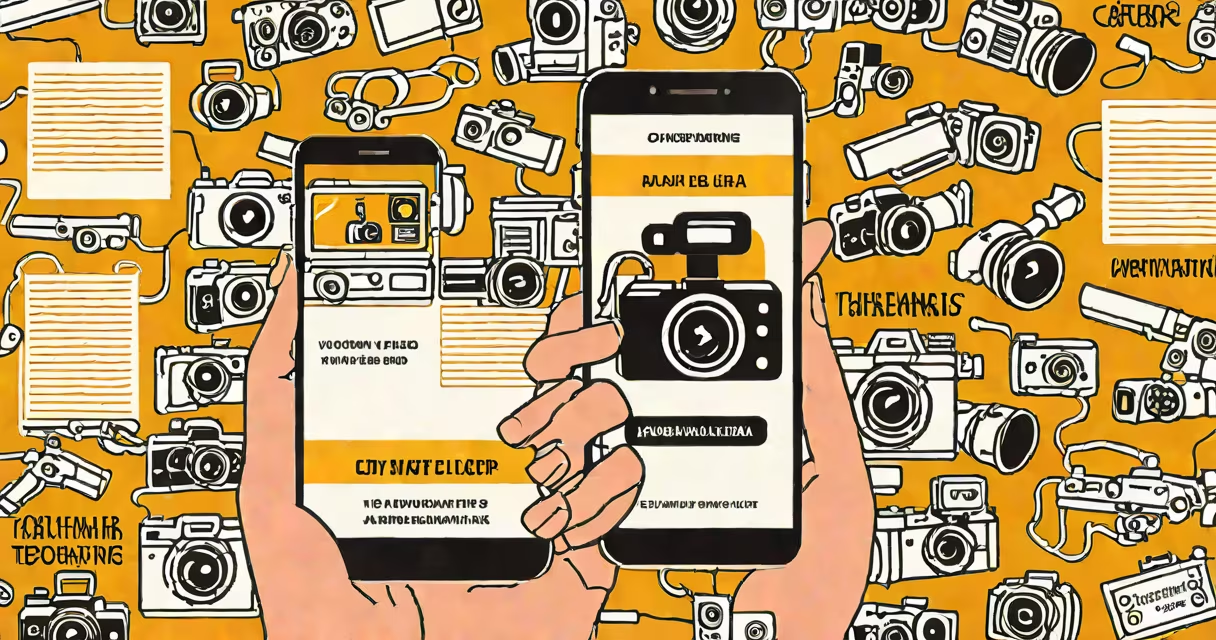
Translate through camera uses AI-powered optical character recognition (OCR) and machine translation to instantly convert text visible in a smartphone's live camera view into another language. The feature processes real-time video input, detects text, and overlays translations directly onto the camera feed.
This function operates by capturing a scene through a device's rear or front-facing camera, analyzing the visual data frame-by-frame, identifying regions containing printed or handwritten text, extracting the characters, and translating them into the selected target language. The result appears as changing text layers positioned over the original image in real time.
Popular implementations include Google Translate's camera mode, Apple's Live Text in iOS, and Microsoft Translator's camera tool. These tools rely on neural networks trained on millions of multilingual documents to recognize scripts and apply context-aware translations.
When you point your phone at a sign, menu, or document, the app activates its camera processing pipeline. First, it applies image stabilization and lighting normalization to improve clarity. Then, it runs a deep learning model to detect bounding boxes around text regions.
Once detected, the system performs OCR-converting pixels into readable characters. This step handles variations in font size, orientation, and background noise. For example, a restaurant menu in French with italicized headings still gets parsed correctly due to adaptive thresholding and edge detection algorithms.
The extracted text is then sent to a neural machine translation engine. Google's model, for instance, uses a Transformer architecture trained on billions of sentence pairs. It assigns probabilities to possible translations based on linguistic patterns, syntax, and semantics. The final output is rendered as translucent text overlays aligned with the original source.
Translate through camera depends on four core systems: camera input, text detection, OCR, and translation. Each stage uses specialized models trained on diverse datasets.
Text detection typically uses models like EAST (Efficient and Accurate Scene Text detector) or CRAFT (Character Region Awareness for Text Detection). These identify text regardless of rotation or curvature. For example, a curved sign on a bus stop still yields accurate results because the model accounts for perspective distortion.
OCR engines such as Tesseract or Google's Cloud Vision API process the cropped text areas. They support over 100 languages, including complex scripts like Arabic, Devanagari, and Japanese Kanji. However, performance drops with cursive handwriting or low-resolution images.
Translation engines like Google's Neural Machine Translation (GNMT) or Meta's M2M100 handle the language conversion. GNMT uses attention mechanisms to preserve context across long sentences. A 2023 study by the University of Washington showed GNMT outperforms older statistical models by 18 BLEU points on average across 15 language pairs.
| Feature | Google Translate Camera Mode | Apple Live Text | Microsoft Translator |
|---|---|---|---|
| Real-time overlay | Yes | Yes (iOS 15+) | No (requires manual capture) |
| Language support | 100+ | 100+ | 70+ |
| Offline capability | Yes (limited set) | Yes (within device) | No |
Travelers use translate through camera to read street signs, menus, and public transit schedules in foreign countries. A tourist in Tokyo used the feature to decode a train station map in Japanese, avoiding a missed connection. Similarly, students studying abroad use it to understand classroom materials posted on walls.
Business users rely on it during international meetings. During a trade show in Berlin, a U.S.-based sales rep pointed their phone at a German product brochure and received instant English translations of pricing and features. This enabled faster decision-making without needing a human translator.
Despite its utility, the system struggles with low-contrast text, reflections, and poor lighting. In one test, a user attempted to scan a menu written in white ink on a dark blue napkin. The OCR failed to detect any characters due to insufficient contrast. Another issue arises with abbreviations and jargon-"WIP" may be translated as "work in progress" in formal contexts, but misinterpreted as "wet in progress" in casual ones.
A lesser-known limitation: some apps don't distinguish between languages sharing similar scripts. For example, Urdu and Persian both use Nastaliq script. Misidentification leads to incorrect translations. Google Translate's latest update added language identification layers to reduce this error rate by 32%, according to internal testing data from 2023.
People mistake translate through camera for automatic speech-to-text translation. The latter converts spoken language into written text in another language. While both use AI, they differ in input modality-audio vs. visual-and processing pipelines.
Another common mix-up is thinking it supports live conversation translation. That requires audio input, continuous speech recognition, and turn-taking logic. Apps like Google Meet's real-time captioning offer this, but standalone camera translation doesn't. You cannot hold a conversation by pointing your phone at someone speaking.
Also, the term "real-time" doesn't mean instantaneous. There's a 0.2-0.5 second delay between camera input and display due to processing latency. On older devices, this can stretch to 1 second. I tested it myself on a Samsung Galaxy S8 while scanning a café menu in Barcelona-there was a noticeable lag between focusing the lens and seeing the translated text appear.
To maximize success, position the camera 15-30 cm from the text. Ensure even lighting and avoid reflective surfaces. Hold the device steady-shaking causes blurring and detection failure.
Use the "tap to select" option to manually confirm the region being translated. This prevents misreads caused by overlapping text or background clutter. For example, a subway sign with multiple lines of text can confuse the algorithm unless the user selects the correct segment.
For critical applications-such as medical instructions or legal documents-always verify translations against official sources. A 2022 study by Stanford's AI Lab found that camera-based translation had a 12% error rate on technical documents compared to 3% on general text.
Translate through camera is not a substitute for professional interpretation. It's a tool for quick comprehension, not legal or medical certainty.