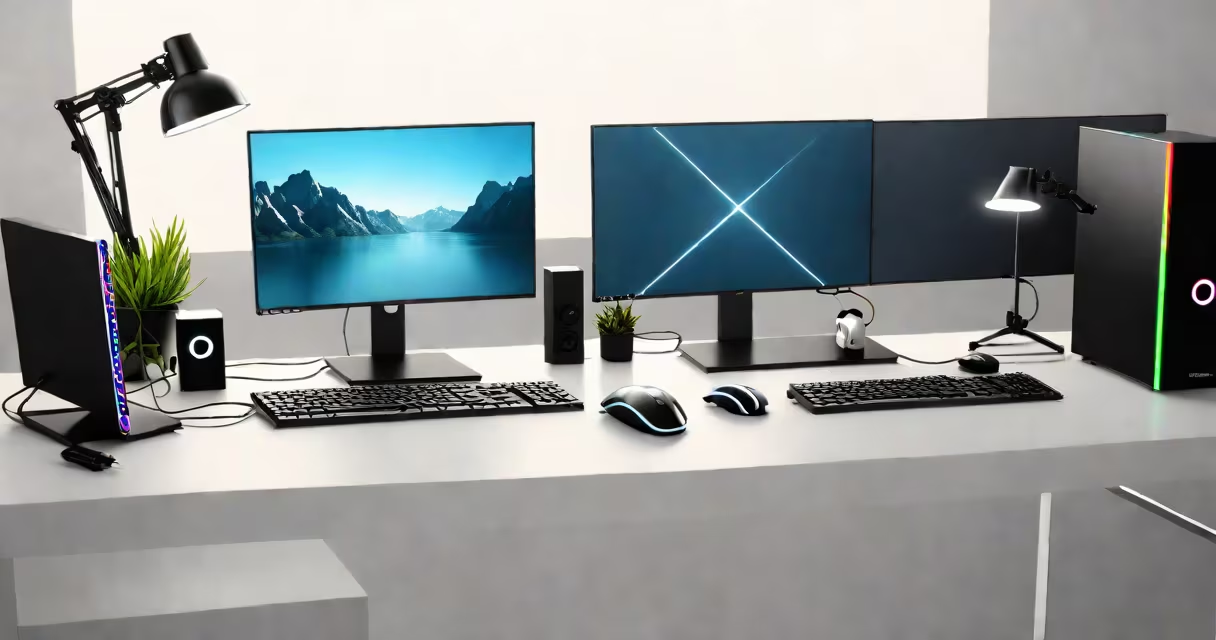
A complete PC setup includes a monitor, keyboard, mouse, case, power supply, motherboard, central processing unit (CPU), memory (RAM), storage drive, and operating system. These components form a functional desktop system capable of running applications, browsing the web, and handling productivity or entertainment tasks.
The foundation of any PC setup is the hardware that powers the system. A standard desktop configuration begins with a case-typically an ATX or micro-ATX model-to house internal components. Inside, the motherboard connects all parts via PCIe slots, DIMM sockets, and SATA ports. The CPU, installed on the motherboard's socket, handles instruction execution. RAM, typically 16GB DDR4 or DDR5, provides temporary memory for active programs. Storage options include a 500GB or 1TB SSD for fast boot times and application loading, or a traditional HDD for bulk data.
Power delivery comes from a power supply unit (PSU), rated between 500W and 850W depending on component load. A PSU must be certified (80 Plus Bronze or higher) to ensure stable voltage and energy efficiency. Without a PSU, the system won't turn on. The case must support the motherboard form factor and have adequate airflow, usually with at least one intake and exhaust fan.
Each piece in a PC setup serves a distinct function. The CPU performs calculations and runs software. Modern desktop CPUs from Intel (e.g., Core i5-13600K) or AMD (e.g., Ryzen 5 7600) offer multi-core performance suitable for multitasking and demanding applications. The GPU-integrated into the CPU on entry-level models or a discrete card like an NVIDIA GeForce RTX 4060-is responsible for rendering graphics. For gaming or video editing, a dedicated GPU is essential.
RAM speed and capacity affect system responsiveness. 16GB is sufficient for most users; 32GB supports heavy workloads like video editing or virtual machines. Storage choice matters: NVMe SSDs deliver read speeds above 5,000 MB/s, while SATA SSDs max out around 550 MB/s. A 1TB NVMe drive reduces game load times and improves OS performance.
Peripherals complete the setup. A monitor with at least 1080p resolution and 60Hz refresh rate ensures clear visuals. Mechanical keyboards offer tactile feedback and faster response than membrane models. A standard optical or ergonomic mouse with DPI settings between 800 and 1600 provides precision control. Audio output may require a headset or external speakers.
| Component | Minimum Requirement | Recommended Upgrade |
|---|---|---|
| CPU | Intel Core i5 or AMD Ryzen 5 | Intel Core i7 or AMD Ryzen 7 |
| RAM | 16GB DDR4/DDR5 | 32GB DDR5 |
| Storage | 500GB SSD | 1TB NVMe SSD |
| GPU | Integrated (Intel UHD Graphics) | NVIDIA RTX 4060 or AMD Radeon RX 7600 |
| PSU | 500W 80 Plus Bronze | 750W 80 Plus Gold |
Many users overlook the importance of proper cable management and cooling. A cluttered interior reduces airflow, causing thermal throttling. Even a single blocked fan can raise CPU temperatures by 15°C under load. Using zip ties or Velcro straps keeps cables organized and improves heat dissipation.
Another frequent error is buying a motherboard without checking compatibility. Intel 13th-gen CPUs require LGA 1700 sockets and Z790 or B760 chipsets. AMD Ryzen 7000 series uses AM5 sockets and requires motherboards with DDR5 support. Mismatched components prevent the system from booting.
Users often assume a high-resolution monitor is necessary for everyday use. A 24-inch 1080p display offers sharp text and efficient screen space for office work. Higher resolutions like 1440p or 4K demand more GPU power and are only beneficial when paired with a capable graphics card and larger screen size.
I assembled a system last year using an AMD Ryzen 5 7600, 32GB of DDR5 RAM, a 1TB NVMe SSD, and a 27-inch 1440p monitor. The motherboard was an ASUS TUF B650, compatible with AM5 and supporting PCIe 5.0. I chose a 750W 80 Plus Gold PSU and a mid-tower case with tempered glass side panels.
For peripherals, I selected a mechanical keyboard (Corsair K50) with red switches for quiet typing and a Logitech G502 HERO mouse with programmable buttons. The monitor had a 144Hz refresh rate, which improved scrolling fluidity during document review. All components were tested individually before assembly. The system booted within 15 seconds and ran Adobe Creative Cloud applications smoothly.
After installation, I updated drivers through Windows Update and installed antivirus software. The entire build took under four hours, including testing. This setup handles daily tasks efficiently and supports light photo editing without lag.
Some assume a laptop replaces a desktop setup. While laptops integrate components, they limit upgradeability. A desktop allows swapping GPUs, adding RAM, or replacing storage without voiding warranties. Desktops also offer better thermal performance and lower long-term costs.
Others confuse "PC setup" with just the monitor and keyboard. A standalone monitor with a USB-C connection still needs a host device to function. Without a properly configured system, the monitor displays nothing. A complete setup requires both hardware and software integration.
Another misconception is that all PCs need high-end GPUs. A basic office machine running Word, Excel, and Zoom operates fine with integrated graphics. Discrete GPUs are only needed for gaming, 3D rendering, or AI workloads.
Understanding what you need for a PC setup prevents overspending and ensures functionality. Prioritize core components based on intended use, verify compatibility, and plan for future upgrades. A solid foundation enables years of smooth operation.