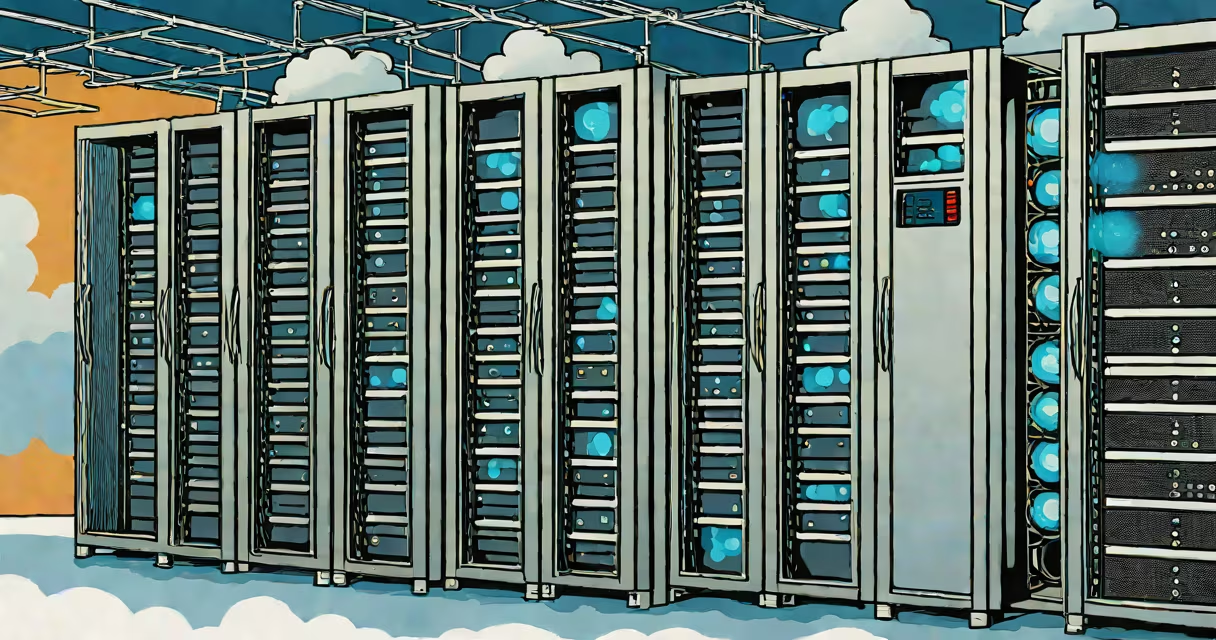
Cloud and virtualization are foundational technologies that enable efficient resource sharing across networks. Virtualization creates multiple isolated environments on a single physical machine, while cloud computing delivers on-demand access to computing resources-like storage, servers, and applications-over the internet.
Virtualization runs software instances called virtual machines (VMs) on hardware normally reserved for one operating system. Cloud computing uses those VMs and other infrastructure components to deliver scalable, pay-as-you-go services. Together, they form the core of modern IT systems.
For example, a company running a web application may use virtualization to host multiple test, staging, and production environments on one physical server. That same server might be part of a larger cloud environment managed by AWS, Azure, or Google Cloud, where resources scale automatically based on traffic.
At its core, virtualization uses a hypervisor-a software layer-to divide a physical server's CPU, memory, storage, and network into multiple virtual machines. Each VM operates independently with its own OS and allocated resources.
There are two main types of hypervisors: Type 1 (bare-metal) and Type 2 (hosted). Type 1 hypervisors run directly on the hardware, such as VMware ESXi or Microsoft Hyper-V. Type 2 hypervisors run on top of an existing OS, like Oracle VirtualBox or Parallels Desktop.
A real-world example: A university lab uses VMware ESXi to run 20 different Linux distributions simultaneously on a single Dell PowerEdge server. Each student gets their own isolated VM with full root access, reducing hardware costs and simplifying setup.
Cloud computing extends virtualization by offering pooled, scalable resources over the internet. Instead of buying and maintaining physical servers, users rent computing capacity on demand.
Public clouds like Amazon Web Services (AWS), Microsoft Azure, and Google Cloud Platform (GCP) provide virtual machines, storage, databases, and networking-all accessible via APIs or web interfaces. Users pay only for what they consume, often by the hour or second.
Private clouds operate within an organization's own data center or hosted by a third party under strict control. Hybrid clouds combine public and private elements, allowing sensitive workloads to stay on-premises while scaling out to public cloud during peak loads.
According to Gartner, 85% of enterprises adopted hybrid cloud models by 2023, citing flexibility and cost control as primary drivers. This reflects how cloud and virtualization together support changing workloads across industries.
Many people confuse cloud computing with virtualization because both involve abstraction of hardware. But virtualization is a technology that enables cloud computing-not the same thing.
Think of virtualization as the engine under the hood. It allows multiple VMs to run on one server. Cloud computing is the vehicle-the service model that delivers those VMs and other resources to users over the internet.
Another frequent mistake: assuming cloud services are inherently secure. While providers implement strong security controls, customers still manage their own configurations. Misconfigured S3 buckets have led to data breaches at companies like Capital One and Verizon, highlighting that responsibility remains shared.
| Type | Definition | Use Case | Example |
|---|---|---|---|
| Infrastructure as a Service (IaaS) | Virtual machines, storage, and networking offered on demand | Hosting websites, running databases | AWS EC2 instances |
| Platform as a Service (PaaS) | Development tools and runtime environments | Building and deploying apps without managing servers | Google App Engine |
| Software as a Service (SaaS) | Ready-to-use applications accessed via browser | Email, CRM, office suites | Microsoft 365, Salesforce |
Consider a local bakery that wants to switch from paper-based inventory tracking to a digital system. They choose a cloud-based inventory app hosted on AWS.
The app runs on a virtual machine provisioned through AWS EC2. The database uses Amazon RDS, which handles backups and replication automatically. The bakery owner accesses the system from a tablet using a web browser-no installation required.
When holiday season hits and sales spike, the system scales up automatically. The bakery pays extra only for the additional compute time used during that period. After the rush ends, resources shrink back, and costs drop.
This scenario illustrates how virtualization powers the underlying infrastructure, while cloud computing provides the flexible, accessible delivery model. Without both, the solution would require expensive hardware, dedicated IT staff, and long deployment times.
Most cloud and virtualization deployments rely heavily on automation. Manual configuration leads to errors, delays, and inconsistency. Infrastructure-as-code (IaC) tools like Terraform or AWS CloudFormation allow teams to define entire environments in code files.
I once deployed a multi-region web application using Terraform. The configuration file described virtual machines, load balancers, firewalls, and DNS records. Running a single command created the full stack across two AWS regions. The process took 12 minutes and produced consistent results every time-something impossible with manual setup.
Automation ensures reproducibility and reduces downtime. It's not optional in production environments-it's essential.
Organizations using cloud and virtualization report up to 40% lower IT costs compared to traditional on-premises setups, according to a 2022 survey by Flexera. Faster deployment cycles and improved disaster recovery are common benefits.
These technologies also enable innovation. Startups can launch products in days rather than months. Researchers can run complex simulations across thousands of virtual cores without owning a supercomputer.
Understanding what is cloud and virtualization isn't just technical trivia. It's essential for anyone engaging with modern digital services-from developers and IT managers to business leaders and everyday users.