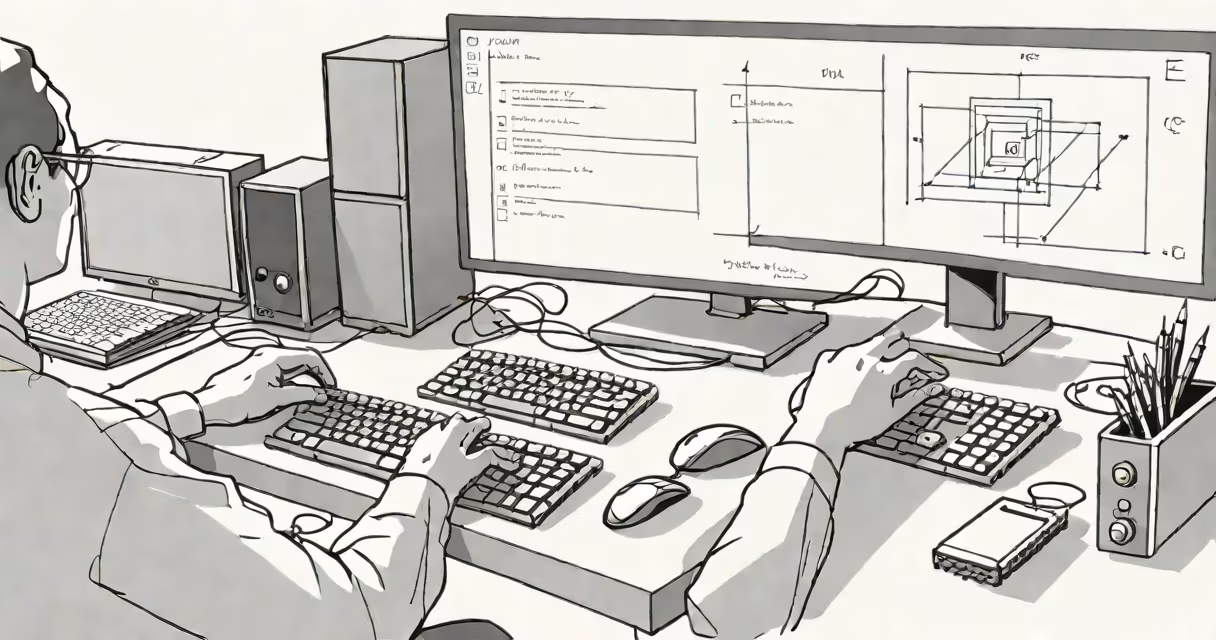
Input and output refer to the flow of data into and out of a computing system. Input is data sent to a device for processing, such as typing on a keyboard. Output is the result produced by the system, like images displayed on a screen.
Every interaction with a computer begins with input and ends with output. A mouse click sends input to the processor. The screen then shows output in the form of a cursor movement or a menu opening. These processes happen continuously during normal operation.
Input and output are fundamental to all digital systems. Without input, a computer cannot receive instructions. Without output, users cannot see results. Both functions rely on hardware and software working together.
When you press a key on a keyboard, a signal travels through the USB or wireless connection to the computer's central processing unit (CPU). This signal is interpreted as a character-such as "A"-and stored temporarily in memory. That's input.
The CPU processes the instruction and sends a command to the display adapter. The adapter converts the data into visual signals sent to the monitor. The screen displays the letter "A" in real time. That's output.
This chain happens in milliseconds. Modern operating systems manage thousands of input and output events per second. For example, playing a video requires continuous input from the storage drive and constant output to the graphics card and display.
Devices fall into two categories based on their role: input or output. Some devices do both, known as input/output (I/O) devices.
| Type | Examples | Function |
|---|---|---|
| Input | Keyboard, microphone, camera, touchscreen | Sends data to the system |
| Output | Monitor, speakers, printer, projector | Displays or delivers processed data |
| I/O | USB flash drive, network card, webcam | Both sends and receives data |
Audio input devices capture sound and convert it into digital format. A microphone connected to a laptop records speech and sends it to the audio driver. The system can then process the audio for voice recognition or file saving.
For output, a printer takes digital text or images and turns them into physical copies using ink or toner. The computer sends the print job through a port or network, and the printer executes the task based on the received data.
A smartphone illustrates input and output. Touching the screen sends input-your finger's location and pressure-to the processor. The screen responds with visual output: buttons change color, apps open, animations play.
People often confuse input and output when using devices like webcams. A webcam captures video (input) and streams it to a computer. But when someone watches the live feed on a tablet, the tablet is displaying output. The same device serves both roles depending on context.
Another common mistake is thinking that all data flows in one direction. A hard drive stores data and retrieves it when needed. Reading from the drive is output. Writing to it is input. The device performs both functions.
One non-obvious fact: input and output don't require human interaction. A server monitoring temperature sensors collects input data automatically. If the temperature exceeds a threshold, it triggers an alert sent as output to a maintenance system. No person needs to be involved.
Consider recording a podcast. You speak into a microphone (input). The audio signal goes to a sound interface, which digitizes the analog sound. The computer records the file-a form of output.
After recording, you edit the audio using software. During editing, you hear playback through headphones (output). You adjust volume levels, remove pauses, and apply noise reduction-all changes are saved as new input to the editing program.
Once finished, you export the file. The system writes the final audio file to a USB drive (output). The USB drive itself becomes an input device when you later plug it into another computer to play the file.
This workflow shows how input and output are changing. A single device may switch roles multiple times during a task. The same audio file moves from input to output across different stages.
As a developer, I once built a home automation system using a Raspberry Pi. The Pi read sensor data-temperature, motion-from input devices. It processed the data and triggered outputs: turning on lights, sending alerts via email. The system ran without user input after setup. It demonstrated how automated input and output chains work reliably in real environments.
Input and output are not interchangeable. Input is raw data entering a system. Output is processed information leaving it. The direction matters.
Some devices perform both tasks simultaneously. A smartphone camera captures video (input) while displaying a live preview (output). The same hardware handles dual roles, but the data paths remain separate.
Another misconception: output always means visible results. A printer produces paper output. But a speaker generates sound output-audible but not visible. Output includes any form of feedback, whether seen, heard, or recorded.
According to the National Institute of Standards and Technology (NIST), input and output systems must maintain data integrity across transmission. Errors in either direction can corrupt files or cause system failures. Proper error-checking protocols are built into most I/O interfaces.
Microsoft's documentation on Windows I/O architecture confirms that input and output operations are managed through drivers. These drivers act as translators between hardware and the operating system, ensuring consistent behavior across devices.
What is input and output? It is the exchange of data between users and machines. Input brings information in. Output returns processed results. Both are essential for computing to function.
Understanding this concept allows better troubleshooting, system design, and informed decisions when selecting hardware. managing servers, knowing what is input and output improves efficiency and reliability.