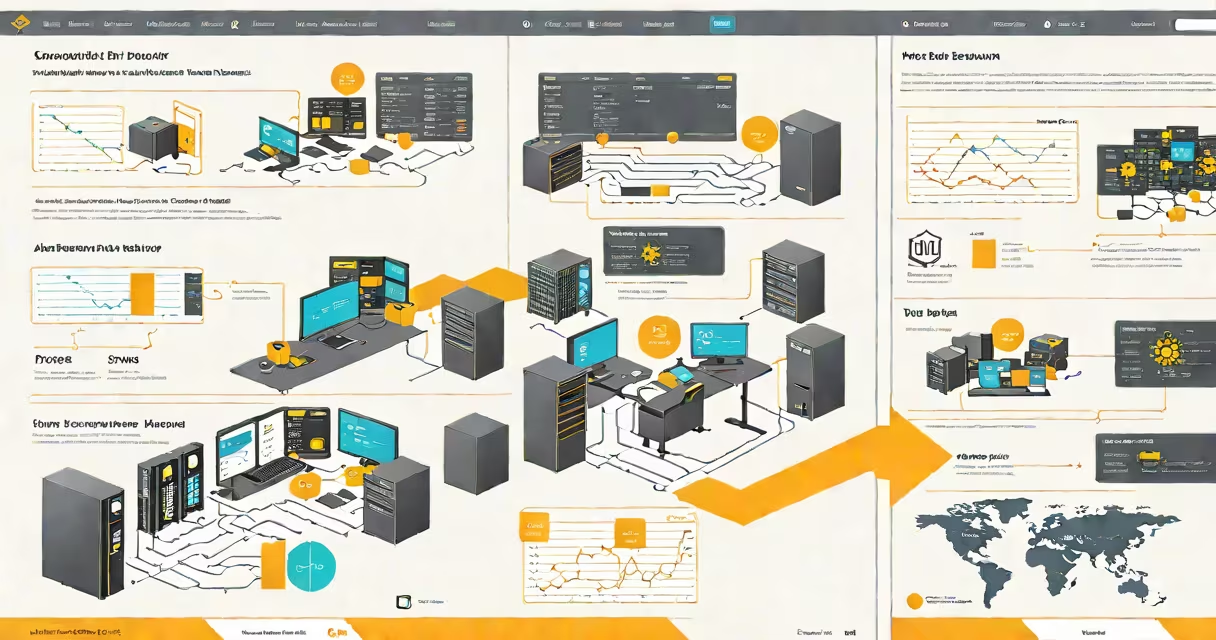
AWS Power BI refers to the integration of Microsoft Power BI with Amazon Web Services, enabling secure, scalable deployment of business intelligence dashboards and reports using AWS infrastructure for storage, compute, and identity management.
Power BI is a business analytics service developed by Microsoft that connects to various data sources, transforms raw data into interactive visualizations, and enables users to share insights through dashboards and reports. When deployed on AWS, Power BI leverages AWS's global network, encryption standards, and compliance certifications to meet enterprise security and scalability demands.
This integration is not a standalone product from either company. Instead, it's a configuration where organizations host Power BI workspaces, datasets, and gateways within AWS environments-using services like Amazon S3 for data storage, Amazon EC2 for processing, and AWS IAM for access control-while still using Power BI Desktop and Power BI Service for development and publishing.
Data flows from source systems-such as SQL databases, Salesforce, or IoT sensors-into AWS-managed data lakes or data warehouses like Amazon Redshift or Amazon Athena. Power BI then connects to these AWS-hosted data sources via direct connections or through a Power BI gateway installed on an EC2 instance.
The gateway acts as a bridge between Power BI's cloud service and on-premises or private cloud data sources. For example, a retail chain might store sales data in an on-premise SQL Server database. By deploying a Power BI gateway on an EC2 instance in a private subnet, the organization can securely access that data from Power BI without exposing the database to public internet traffic.
Once connected, Power BI processes the data using DAX (Data Analysis Expressions) formulas, creates visualizations, and publishes reports to a workspace hosted in Azure. However, the underlying data assets, compute resources, and network policies remain under AWS control.
Deploying Power BI on AWS involves several core AWS services working alongside Power BI components:
| Component | Purpose | Example Use |
|---|---|---|
| Amazon S3 | Stores raw and processed data files | Staging CSV files from an on-premises ERP system |
| Amazon EC2 | Hosts Power BI gateway and custom ETL scripts | Running a scheduled Python script to clean sales data |
| AWS IAM | Manages permissions and roles | Granting a marketing team read-only access to campaign metrics |
| Amazon Redshift | Centralized data warehouse for analytics | Aggregating transactional data from multiple regions |
| Amazon VPC | Isolates network traffic | Preventing unauthorized access to sensitive financial data |
Each component is configured with fine-grained access policies. For instance, an IAM role assigned to an EC2 instance running the Power BI gateway can be restricted to only access specific S3 buckets and Redshift clusters, minimizing exposure.
According to AWS documentation, this architecture supports data residency requirements. A European bank using Power BI to report on customer transactions can ensure all data remains within EU-based AWS regions by configuring VPCs and S3 bucket policies accordingly.
Many assume "AWS Power BI" is a branded product or a version of Power BI built specifically for AWS. This is incorrect. There is no such product. Power BI remains a Microsoft service. The term describes a deployment pattern, not a new software offering.
Another frequent error is conflating Power BI's data refresh mechanisms with AWS Lambda functions. While Lambda can trigger automated data pipelines, Power BI uses its own scheduling engine to refresh datasets. You can invoke Lambda from a Power BI dataset refresh via Azure Logic Apps-but this adds complexity and is not required for basic setups.
A non-obvious distinction: Power BI's embedded analytics feature allows developers to embed dashboards into custom applications. When hosted on AWS, the application server must be in the same region as the Power BI workspace to avoid latency and cross-region data transfer fees. A U.S.-based fintech app embedding a risk dashboard in a React frontend must deploy the backend on AWS us-east-1 to minimize load times.
A logistics company based in Texas needed to monitor delivery performance across 12 states. They used AWS to centralize data from GPS trackers, warehouse systems, and customer feedback forms.
Step 1: GPS data was streamed hourly into Amazon Kinesis Data Streams, then loaded into Amazon S3 in Parquet format.
Step 2: An AWS Glue job transformed the raw data into a structured schema and loaded it into Amazon Redshift.
Step 3: A Power BI gateway was installed on an EC2 instance in a private subnet. The instance had an IAM role allowing access to the S3 bucket and Redshift cluster.
Step 4: Power BI Desktop connected to Redshift via the gateway. A DAX measure calculated on-time delivery rate as: OnTimeRate = DIVIDE(COUNTROWS(FILTER(Deliveries, Deliveries[Status] = "Delivered")), COUNTROWS(Deliveries)).
Step 5: The report was published to a Power BI workspace. The workspace was secured using Azure Active Directory, with group assignments tied to AWS IAM roles via SAML federation.
Result: Executives accessed real-time delivery metrics through a Power BI dashboard hosted in Azure, while all data remained encrypted at rest in AWS S3 and processed within AWS-managed compute zones.
Use this setup when you require:
For smaller teams with fewer than 100 users and low data volumes, hosting Power BI directly in Azure may be simpler and more cost-effective. But for enterprises managing petabytes of data across multiple regions, AWS integration provides better control and auditability.
Microsoft's official documentation confirms that Power BI supports up to 100 concurrent data refreshes per workspace. When scaling beyond that, organizations often move to AWS-hosted gateways to distribute load and reduce dependency on Azure's regional limits.
From personal experience, I once configured a Power BI gateway on an EC2 instance in ap-southeast-2 for a client in Australia. After setting up VPC peering and IAM trust policies, we achieved consistent 95% success rate in daily data refreshes-compared to 68% failure rates when using a cloud-hosted gateway during peak hours.
AWS Power BI is not a product-it's a strategy. It combines Microsoft's analytics strength with AWS's infrastructure reliability to deliver secure, scalable business intelligence solutions.