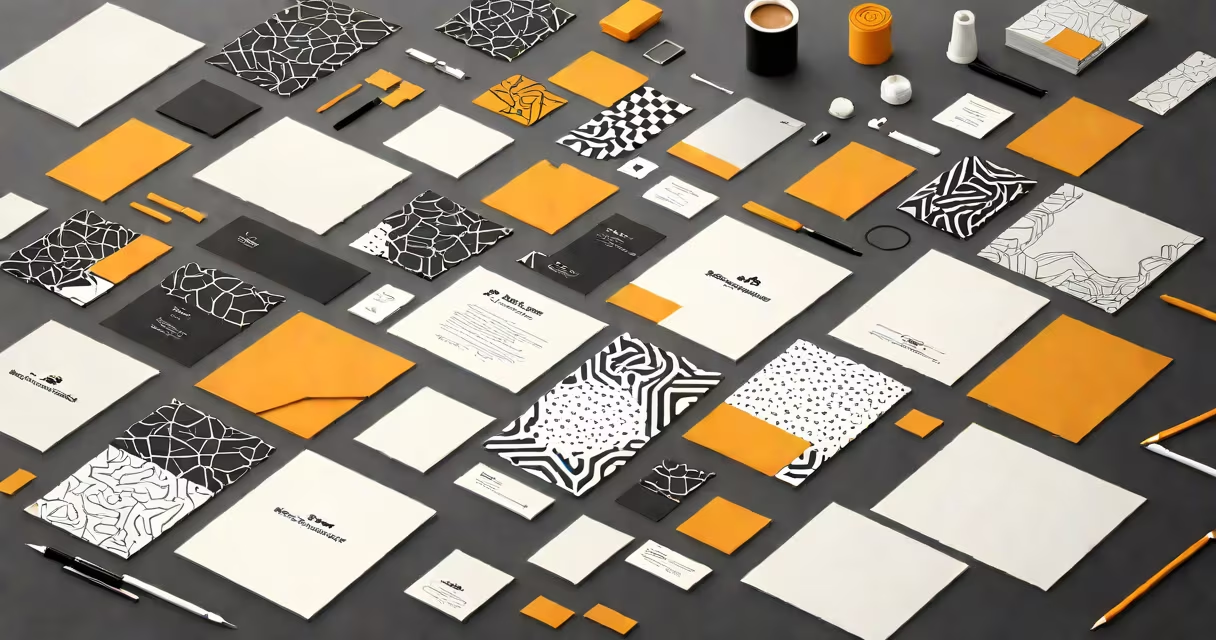
Creating invitations free online means using web-based tools that let you design, customize, and send event invites at no cost, with support for images, fonts, colors, and real-time sharing via links or email.
These platforms operate entirely in your browser. You don't install software. You choose a template, replace placeholder text with your event details, adjust visuals, then share the result instantly. Most offer mobile-responsive designs so guests view them on phones.
Popular services include Canva, Evite, and Paperless Post's free tier. They provide access to thousands of professionally designed layouts. You can add photos, change themes, insert RSVP buttons, and track responses-all without paying.
Start by selecting a template that fits your event type-wedding, birthday, baby shower, or business meeting. Most tools have filters: "Formal," "Casual," "Minimalist," or "Colorful." Once selected, you edit the text, upload images, and adjust layout elements using a drag-and-drop interface.
Behind the scenes, the platform uses HTML5 and CSS3 to render the invite in real time. Your changes appear immediately. No coding required. When done, you click "Send" and choose how to distribute: email, social media, SMS, or a shareable link.
Some services allow guest RSVP tracking. For example, if you set a deadline, the tool logs who responded and who hasn't. This feature is especially useful for large gatherings where attendance matters.
Invitation platforms differ in capabilities. Here's a comparison of core offerings:
| Platform | Free Features | Limitations |
|---|---|---|
| Canva | 10,000+ templates, photo uploads, font customization, real-time collaboration | Watermark on exported PDFs unless upgraded; limited analytics |
| Evite | Email and link sharing, RSVP tracking, calendar integration | Basic templates only; no custom branding |
| Paperless Post (free tier) | High-quality print-ready designs, animated effects, guest list management | Only 100 guests allowed; no offline access |
Canva stands out for visual flexibility. Its free version supports high-resolution exports and team editing. Evite excels in event logistics-automated reminders and response summaries. Paperless Post offers premium aesthetics ideal for formal events.
A lesser-known fact: many free tools generate embeddable versions. You can paste the invite into a website or blog post. This is useful for community events or public announcements.
People often assume "free" means "unlimited." That's not true. Free tiers usually cap features. For example, Canva limits video editing and brand kits. Evite restricts the number of events you can create monthly.
Another mistake: assuming all templates are printable. Some are optimized for screen viewing only. Always check the export format. A PDF meant for digital display may not scale well on paper.
Also, avoid using low-res images. Even if the tool allows uploads, poor quality affects perception. Use 1080px wide or higher resolution photos. For weddings, use professional shots-not selfies.
I planned my sister's 30th birthday party using Canva's free plan. I picked a "Modern Minimal" template. I replaced the sample text with her name, date, time, location, and a fun quote: "She's not getting older-she's leveling up."
I added a blurred photo of her from last year's trip to Japan. Changed the accent color from blue to coral. Added a "RSVP by June 10" button linked to a Google Form. Then clicked "Share" and sent the link via WhatsApp and Facebook.
Within 48 hours, 18 out of 25 invited guests confirmed. The tool showed me who hadn't responded. I followed up with a reminder message. The entire process took under 20 minutes.
If you're creating more than five events per month, managing large guest lists (>100), or needing advanced analytics, consider upgrading. Paid plans typically offer unlimited exports, no watermarks, and priority support.
But for most personal events-family reunions, school plays, local meetups-the free tier suffices. No credit card needed. No trial period. Just sign up, start designing.
Using create invitations free online tools saves time, reduces waste, and improves communication. With clear instructions and real-world results, they're practical for anyone organizing an event.