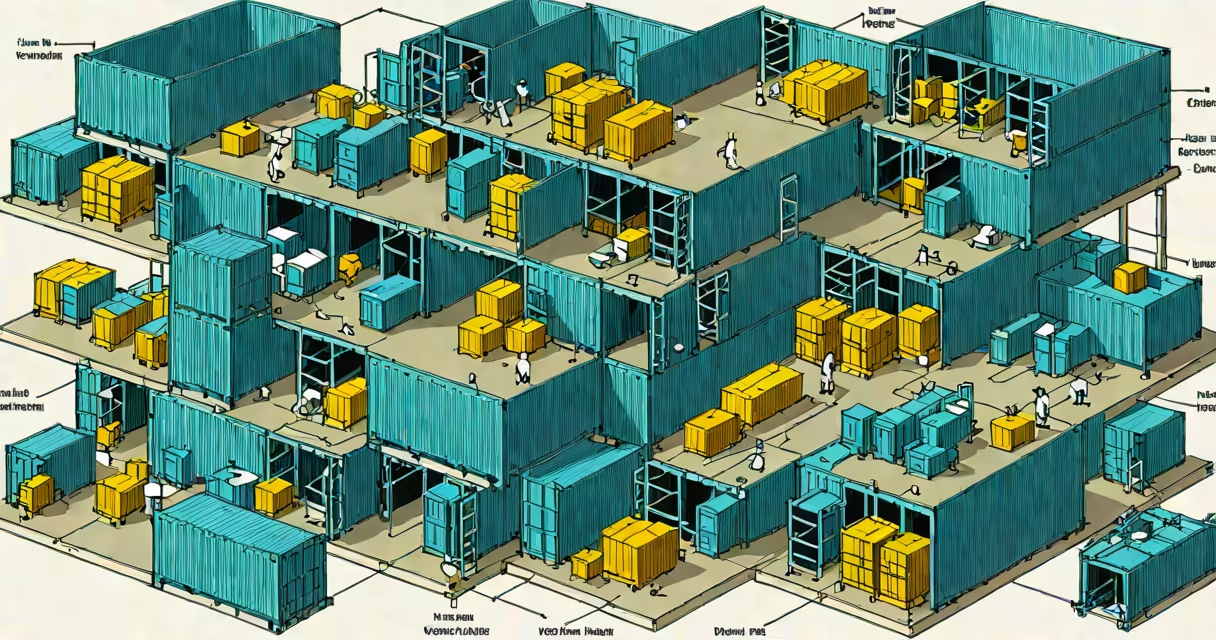
OS level virtualization creates isolated user-space environments on a single host operating system kernel, enabling multiple applications to run independently without the overhead of full virtual machines. Unlike hardware-based virtualization, it shares the underlying OS kernel and uses namespaces and cgroups for resource separation.
This approach allows rapid deployment, minimal performance loss, and efficient use of system resources. It's commonly used in cloud infrastructure, microservices architectures, and development workflows where speed and density matter more than complete hardware abstraction.
Major platforms like Docker, LXC, and Kubernetes rely on os level virtualization to manage workloads at scale. These tools do not emulate hardware-they use the host OS's capabilities to isolate processes, file systems, network interfaces, and CPU/memory usage.
At its core, os level virtualization uses kernel features such as namespaces and control groups (cgroups). Namespaces provide isolated views of system resources-each container sees its own process ID space, network stack, mount points, and user IDs. This prevents processes in one container from interfering with others.
Cgroups enforce limits on CPU, memory, disk I/O, and network bandwidth. For example, a container can be restricted to 512 MB of RAM and 10% of CPU time, ensuring fair resource distribution across multiple workloads.
When a container starts, the system creates a new namespace for it and assigns it a cgroup. The application runs within this sandboxed environment, with access only to what's explicitly granted. The host OS handles all low-level operations like scheduling, memory management, and device access.
Several technologies implement os level virtualization, each tailored to specific use cases:
| Technology | Use Case | Key Feature |
|---|---|---|
| Docker | Application packaging and deployment | Image layers, automated builds, registry integration |
| LXC (Linux Containers) | System-level containers, server isolation | Full system container with init system support |
| Podman | Rootless container management | No daemon required; secure by default |
| OpenVZ | Legacy hosting environments | Early adoption in VPS providers |
Docker is the most widely adopted due to its developer-friendly tooling and integration with CI/CD pipelines. A Dockerfile defines how an app is built and run-starting from a base image, installing dependencies, copying code, and setting entrypoints.
For example, a Node.js web service can be packaged with a Dockerfile specifying Node.js 18, copying the app directory, installing npm packages, and exposing port 3000. Running docker build -t myapp . creates a portable image. Starting it with docker run -p 3000:3000 myapp launches the container on the host's port 3000.
Cloud providers like AWS, Google Cloud, and Azure use os level virtualization under the hood for managed services. AWS Fargate, for instance, runs containers without requiring users to manage EC2 instances. It allocates compute resources dynamically based on container specifications.
Development teams use it to ensure consistency between local, staging, and production environments. A developer working on a Python web app can define a Dockerfile and docker-compose.yml to spin up PostgreSQL, Redis, and the app together. This avoids "it works on my machine" issues.
Enterprises deploy microservices using Kubernetes, which orchestrates thousands of containers across clusters. Each service-like authentication, payment processing, or logging-runs in its own container, scaled independently based on demand.
Many people mistake os level virtualization for full virtualization. The key difference lies in the hypervisor: traditional VMs use a hypervisor to emulate hardware and run a separate OS per instance. Os level virtualization skips this layer-it runs directly on the host OS kernel.
Another misconception is that containers are inherently secure. While isolation mechanisms reduce attack surface, vulnerabilities in the host OS or misconfigured permissions can still allow escape. A 2021 study by Aqua Security found that 68% of container images had known vulnerabilities at build time.
Also, os level virtualization doesn't support running different operating systems. You cannot run Windows apps inside a Linux container without emulation layers. This contrasts with full virtualization, where a guest OS can differ from the host.
I deployed a Django application using Docker during a sprint at a tech startup. The app relied on PostgreSQL and Celery workers. Using a docker-compose.yml file, I defined three services: web, db, and worker. After building the image and running docker-compose up, all components started simultaneously, connected via a shared network.
It took less than five minutes to set up a reproducible environment across four developers' machines. Without os level virtualization, we'd have needed separate VMs or manual dependency installation-time-consuming and error-prone.
While os level virtualization isolates processes, it doesn't replace the need for security policies. Tools like SELinux and AppArmor add mandatory access controls to prevent privilege escalation. They're often enabled alongside container runtimes.
Performance benchmarks show os level virtualization achieves near-native speeds. A 2022 benchmark by Red Hat demonstrated that containerized applications ran at 95% of native throughput, compared to 70-80% for VMs under similar loads.
Despite its efficiency, os level virtualization requires careful configuration. Over-provisioning containers can lead to resource contention. Monitoring tools like Prometheus and Grafana are essential for tracking CPU, memory, and network usage across hundreds of containers.
Os level virtualization is not a replacement for full virtualization. It excels in scenarios where speed, density, and simplicity matter. For legacy applications requiring full OS emulation or cross-platform compatibility, traditional VMs remain necessary.
Understanding the trade-offs ensures better infrastructure decisions. Whether deploying a web service or managing a cluster, knowing how os level virtualization works prevents misalignment between technical needs and implementation choices.